New AI Features in Productivity Software: What Changed in 2026
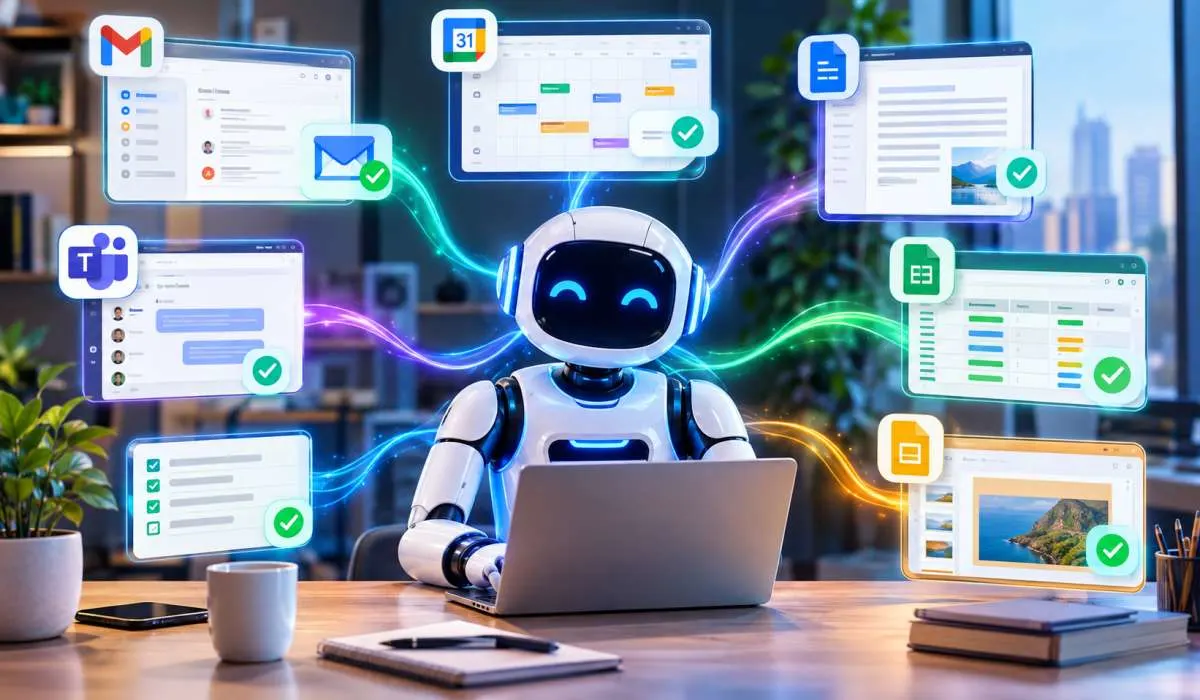
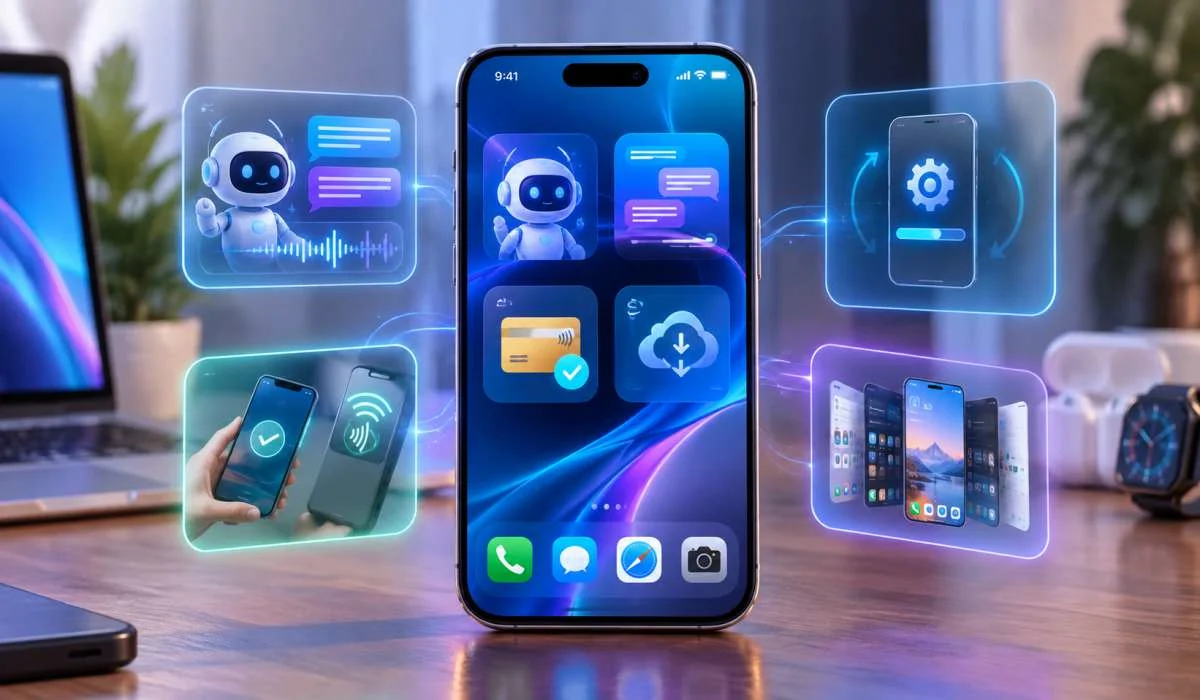
Productivity software changed a lot this year. The big shift? AI stopped just answering questions. Now it does the work. New...
Gadgets & Technologies Are Together
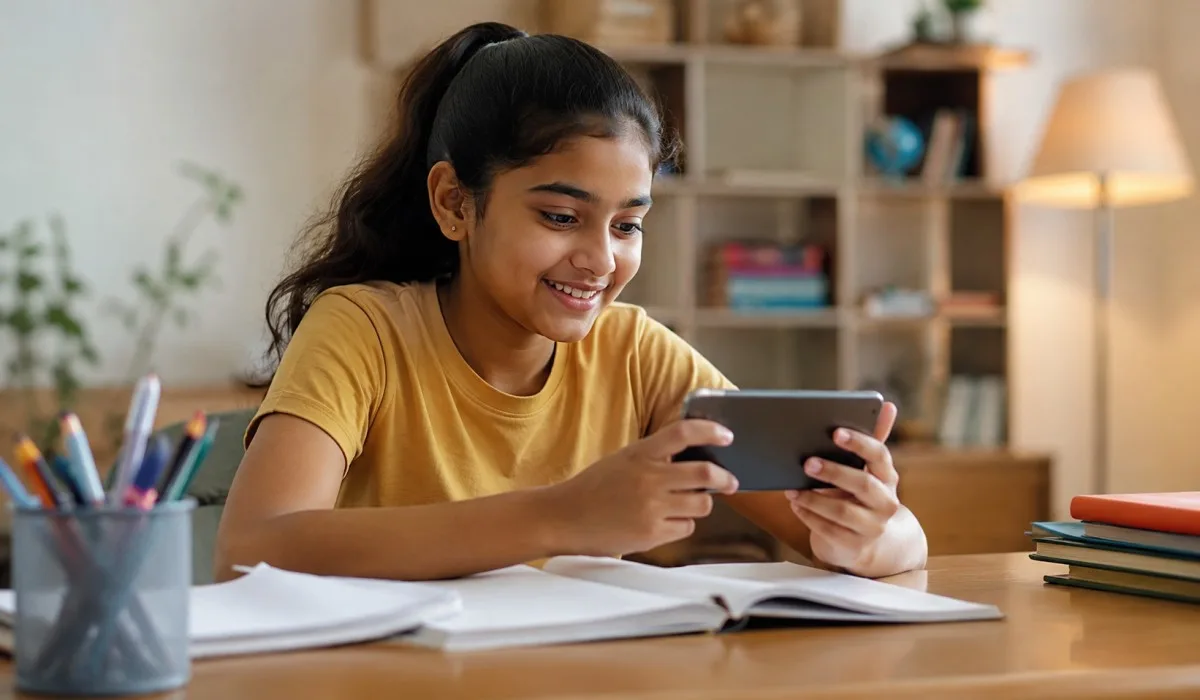
When we talk about edtech features for students, most people think of apps and websites. But the real question is different. What actually helps a student learn better? What makes a student open a learning app again and again? And most important for India – what works when the internet is slow, when the phone is old, or when the student does not know English very well?
In this article, we will look at the most useful edtech features for students. We will also share top educational technology tools that are popular in India. We will include free edtech tools for teachers because no school should stop using technology just because of money. And we will give real examples of edtech tools that students and teachers in India are using right now.
This guide is for students, parents, school teachers, and anyone who wants to understand online learning tools without getting lost in heavy words.
Not every feature in a learning app is useful. Some features are just fancy. A student in a small town in India needs different things than a student in a big international school. Let us look at features that actually help.
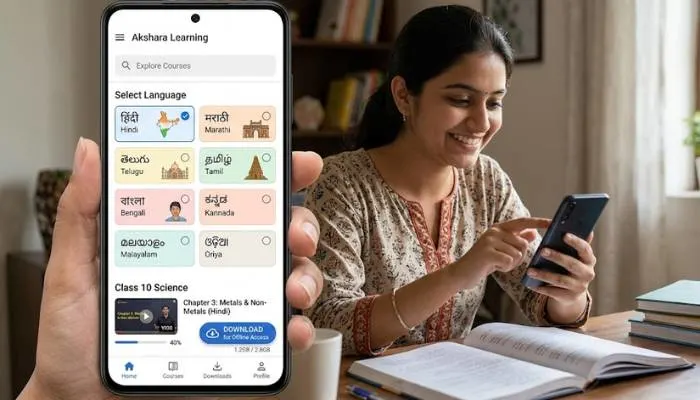
In many parts of India, internet is not always fast or steady. A good edtech tool lets students download lessons once and watch them later without internet. This is one of the most important edtech features for students in India. Without offline access, half the students cannot use the tool properly.
English is common in cities, but many students learn better in Hindi, Tamil, Telugu, Marathi, or Bengali. The best edtech tools give you a choice of language. Some even read out the lesson in the student's mother tongue. This makes learning fair for everyone.
Long lectures do not work well on phones. Students lose focus after ten minutes. Good edtech features for students include short videos of five to ten minutes. Each video covers one small topic. This is also called micro learning, but we will keep it simple – short videos work better.
A student needs to know if they understood the lesson. A small quiz with five questions right after a video helps a lot. The quiz should give instant answers and show which questions were wrong. This way the student can go back and watch that part again.
Many free apps show ads. For a student, an ad in the middle of a math problem is very bad. Good edtech tools have no ads, or they keep ads only at the start or end, never inside a lesson.
A student should be able to see how much they have finished. How many videos watched. How many quizzes passed. This small thing keeps the student motivated. It feels like a game, but it is learning.
When a student learns at home, parents want to know what is happening. Good edtech tools send a simple report to the parent once a week. It should not be full of numbers and graphs. Just clear things like "Rohan finished 5 lessons and scored 80 percent in maths."
Read More: Features of Blockchain Technology 7 Big Benefits for Every Indian
Let us now look at some top educational technology tools. These are not just names. These are tools that real Indian students and teachers open every day.
Google Classroom is free. It works on cheap phones and on computers. A teacher can post homework, share files, and give feedback. A student can submit work and see grades. It does not need fast internet. That is why many Indian schools use it.
DIKSHA is a very important tool for India. It is completely free. It has lessons in many Indian languages. You can use it without internet after downloading. DIKSHA covers all school subjects from class 1 to class 12. Every parent in India should know about DIKSHA.
Byju's became famous in India for its video lessons. Even the free version has good content. The videos use simple drawings and examples. A student can watch a lesson many times until they understand. The paid version has more features, but the free content itself is helpful for many students.
Khan Academy is one of the oldest and most trusted free learning websites. It has full courses in maths, science, and computers. Everything is free. There are no ads. Every video has practice questions. Indian students preparing for exams like JEE or NEET also use Khan Academy for basic concepts.
ClassDojo is more for primary school students. Teachers can give points for good behaviour and good work. Students see their own monster avatar grow. It makes school feel friendly. Many Indian primary teachers love ClassDojo because it is simple and free.
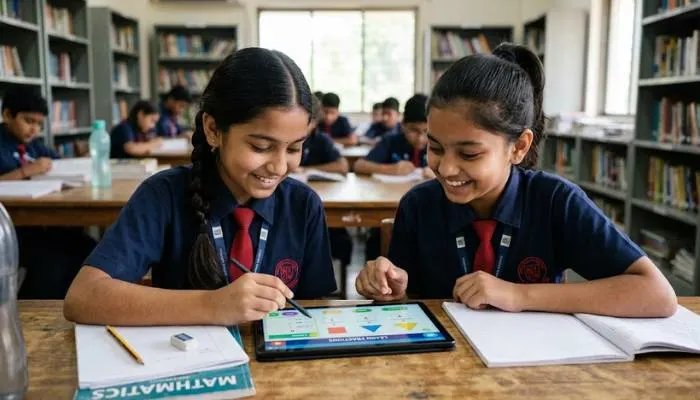
Teachers in India work very hard. They also have limited budgets. A school cannot always buy expensive software. But there are many free edtech tools for teachers that work really well.
Canva helps teachers make worksheets, posters, and presentations. The education version is free. A teacher does not need design skills. Just pick a template, change the text, and download. Canva also has many Indian festival and culture templates.
OBS Studio is a free tool to record the computer screen. During the lockdown, many Indian teachers used OBS to make video lessons. It looks complicated at first, but after watching one YouTube tutorial, any teacher can record a full lesson with their voice and face.
OpenBoard is a free whiteboard software. A teacher can write on the screen like writing on a blackboard. It works on Windows, Mac, and Linux. No internet needed. This is perfect for teachers who want to make video lessons without buying expensive tools.
Google Forms is completely free. A teacher can make a quiz in five minutes. Share the link with students. See all answers in one place. Google Forms also shows which questions were most difficult for the class. This helps the teacher plan the next lesson.
Teachmint is made in India. It started as a free tool for teachers to take live classes. The free version still allows live classes, sharing notes, and taking attendance. Many tuition teachers in small Indian cities use Teachmint.
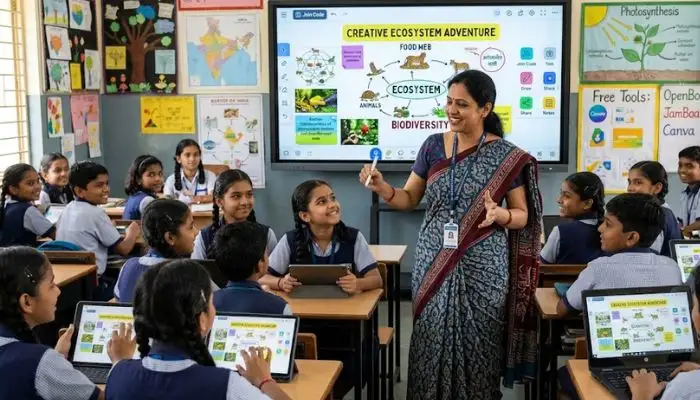
Instead of just listing names, let us see examples of edtech tools in real use.
A government school in a village in Bihar has no computer lab. But the teachers have smartphones. They download DIKSHA lessons in Hindi during night when internet is free with some mobile plans. Next day in class, they play the video on their phone. Students watch on a larger TV that the school bought with a small government grant. This is a real example of using free edtech tools for teachers.
The mother passed class 10. She cannot help with class 12 maths. But she found Khan Academy's Hindi maths videos. Her daughter watches one video, solves five questions, and shows the mother. The mother checks answers from the app. No private tutor needed. This is what good edtech features for students look like in daily life.
The teacher uses Google Classroom for homework. She posts a question in the morning. Students write answers from home. The teacher gives feedback online. Parents can see the feedback. This saves time and paper. Also, shy students who never speak in class write good answers online.
You May Also Read: Digital Transformation Features 2026: Key Trends Shaping Indian Businesses
Not every tool is good. Parents and students should ask these questions before using any learning app.
Edtech is not about fancy technology. It is about helping a student learn better. The best edtech features for students are offline access, short videos, local languages, and no ads. The top educational technology tools in India include DIKSHA, Google Classroom, Khan Academy, and Canva. And there are many free edtech tools for teachers that cost zero rupees.
If you are a parent, start with one free tool. If you are a teacher, try one new tool every month. If you are a student, ask your school if they use any of these tools. Learning should be simple, and technology should make it easier, not harder.
DIKSHA is the best because it is made for India, works offline, and has many languages.
Yes. Tools like OpenBoard and downloaded videos from DIKSHA work without internet.
Not always. Many free tools like Khan Academy and Google Classroom are as good as paid ones.
DIKSHA on a teacher's phone connected to a TV works very well.
Use apps that send weekly reports. Also sit with the child for the first few days and see if the child can explain what they watched.