How to Grow on Bluesky: Get Followers and Go Viral
Bluesky is not X. It is not Threads, it is not Instagram. That is the first thing you need to...
Gadgets & Technologies Are Together
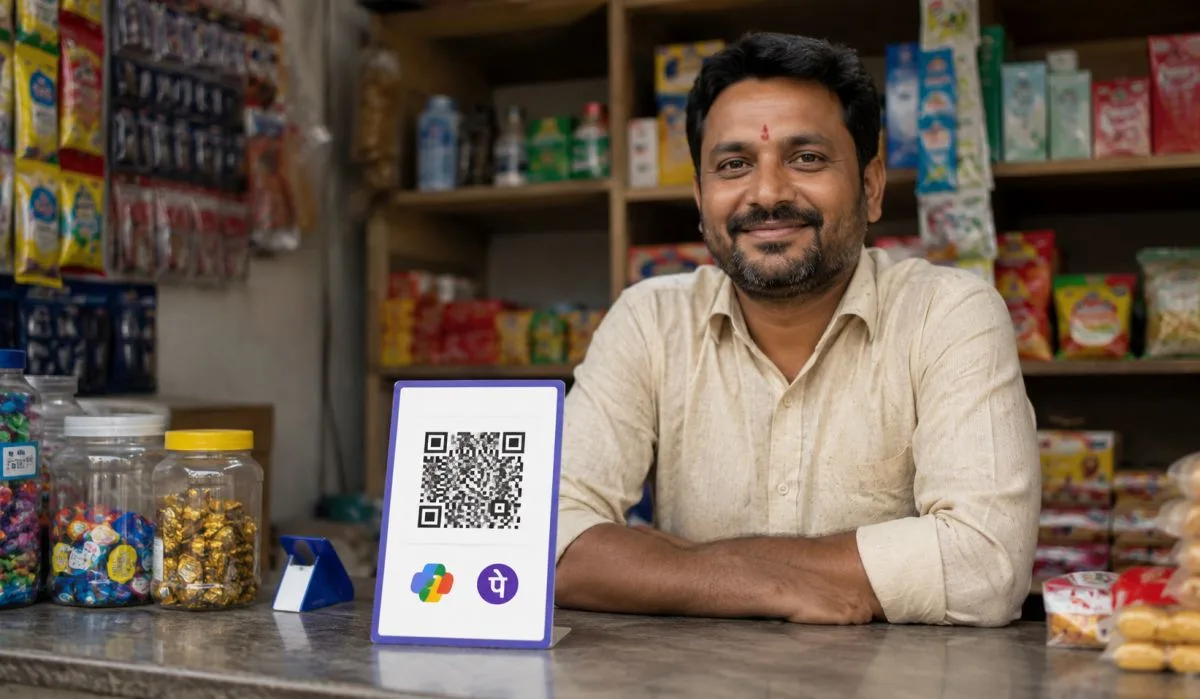
Everyone in India uses UPI these days. From buying chai at the corner shop to paying school fees, it makes life simple. But many small business owners and even home-based sellers ask one thing: how to generate QR code for UPI payment? If you run a kirana store, sell homemade pickles online, or take orders for tiffin service, a QR code helps customers pay you fast with PhonePe, Google Pay or BHIM. No need for cash or card machines.
This guide shows you step by step how to make your own QR code for free. We cover free UPI QR code generator tools, how to generate QR code for UPI payment online, and even new UPI QR code generator AI options. By the end, you will have your code ready to print and stick on your shop wall or share on WhatsApp. Let's start.
UPI QR code is a small square image. Customers scan it with their phone banking app and pay you directly. Your bank account gets the money in seconds. No need to share your phone number or bank details each time.
Think of a busy vegetable vendor in Delhi market. He gets 50 customers a day. With QR code, no counting notes or giving change. Just scan and done. Banks like SBI, HDFC and even Paytm give free QR codes. But online generators make it even easier.
In India, over 12 billion UPI transactions happen every month now. Small shops see more customers because paying is quick. If you don't have a QR code yet, you lose out. It works for fixed amount like Rs 50 for a dozen eggs or dynamic where customer enters any amount.
Read More: How to Choose Best Digital Marketing Tools for Small Business
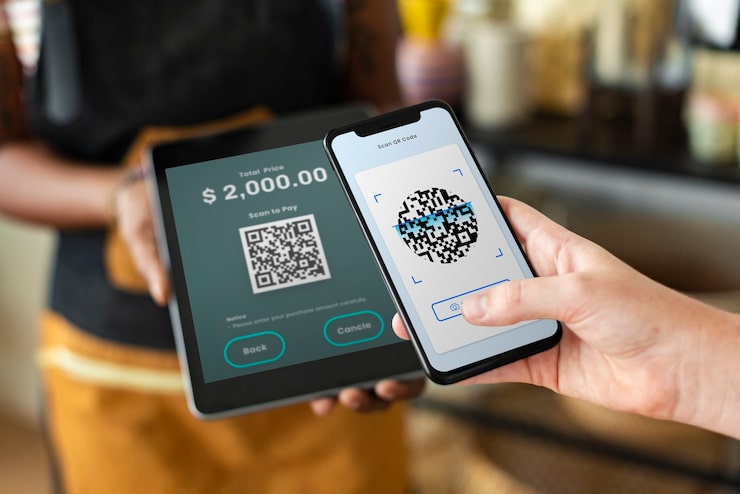
Cash brings headaches. Counting notes takes time, and fake currency worries everyone after demonetisation days. QR code fixes that. Shopkeeper in Kerala told me he stuck one on his cycle basket for fish sales. Footfall went up because tourists found it easy.
It builds trust too. Regulars see your name and shop details on the code. They know money goes straight to you, not some middleman. For home bakers sharing cake pics on Facebook, attach QR in comments. Orders come steady without phone calls at dinner time.
Even during power cuts or bank holidays, as long as phone has data, payments flow. Low cost means more profit in pocket. And banks send daily summaries, so you sleep better knowing exact earnings.
Before jumping in, make sure your UPI account is active. Open BHIM app or your bank's one, link savings account if not done. Your UPI ID should work test by sending Rs 1 to a friend first.
Think about your needs. Fixed amount suits repeat buyers like milk packets at Rs 40. Open amount better for repairs or beauty parlour services. Have a clear photo of your shop sign or logo handy for custom touch.
Paper and printer matter. Glossy sticker lasts months outside. Test scan in dim light to avoid complaints later.
Anyone can do this without tech skills. Use your phone browser, no downloads. Let me walk you through as if sitting next to you.
That's it. Your how to generate QR code for UPI payment online is done.
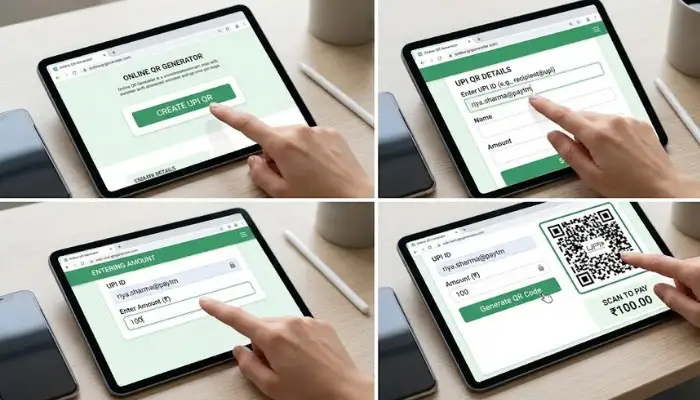
Not all generators equal. Here's what works best based on real use.
| Generator | Supports Fixed Amount | Logo Add | Print Quality | Good For |
|---|---|---|---|---|
| UPIQR.in | Yes | Yes | Sharp | Street vendors |
| Labnol | Yes | Basic | Clear | Home users |
| SEOMoHub | Yes | Full | Best | Market stalls |
| Cashfree | Dynamic only | Yes | Pro | Bigger shops |
| ME-QR | Yes | Yes | Good | Online chats |
UPIQR.in wins for speed, no waiting.
You May Also Read: How to Improve CIBIL Score Quickly in India
You now hold steps to generate QR code for UPI payment. Grab free UPI QR code generator, make one today. Stick it out, watch money flow easy. Sales rise, stress falls. Share your first payment story in comments.
Yes. Free online generators do it. No app needed.
Yes. Sites like UPIQR.in no charge. Download unlimited.
Use dynamic QR. Customer enters amount each time.
Basic free. Fancy designs paid after trial.
Lifetime. Till you change UPI ID or bank.
No. One UPI ID per QR. Make separate.