New AI Features in Productivity Software: What Changed in 2026
Productivity software changed a lot this year. The big shift? AI stopped just answering questions. Now it does the work. New...
Gadgets & Technologies Are Together
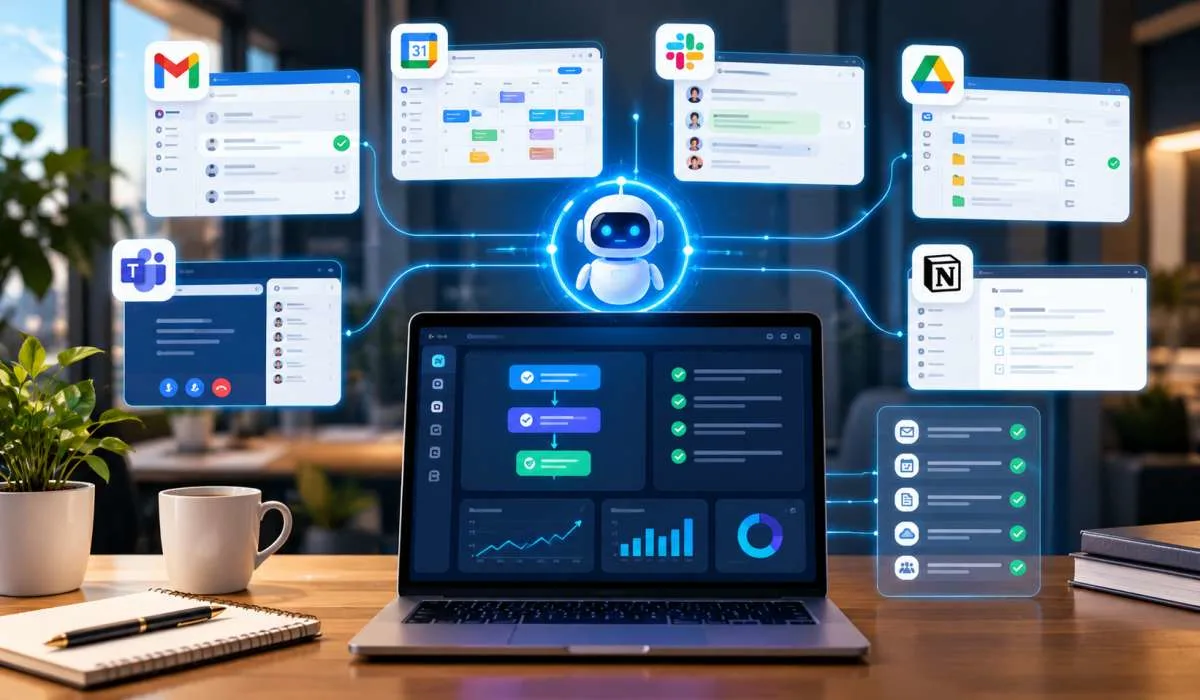
AI used to just answer questions, now it does the work, that is the big shift in 2026. Agents can take a goal and run with it for hours, they plan, they adjust, they finish the job, the latest AI automation features are behind this change, long-running agents, governance tools that keep them in check, no-code platforms that let anyone build workflows.
This guide covers what is new, it explains the difference between AI and automation in plain terms, it gives real examples, and it shows you how to start learning, no jargon, no fluff, just what is changing and why it matters
AI automation is a process within which a computer system performs a task, independently but with a certain level of judgment. Traditional automation has definite rules. If A happens, do B. Does not take surprises well.It cannot handle surprises. AI automation can. It looks at the situation, understands context, and makes a choice .
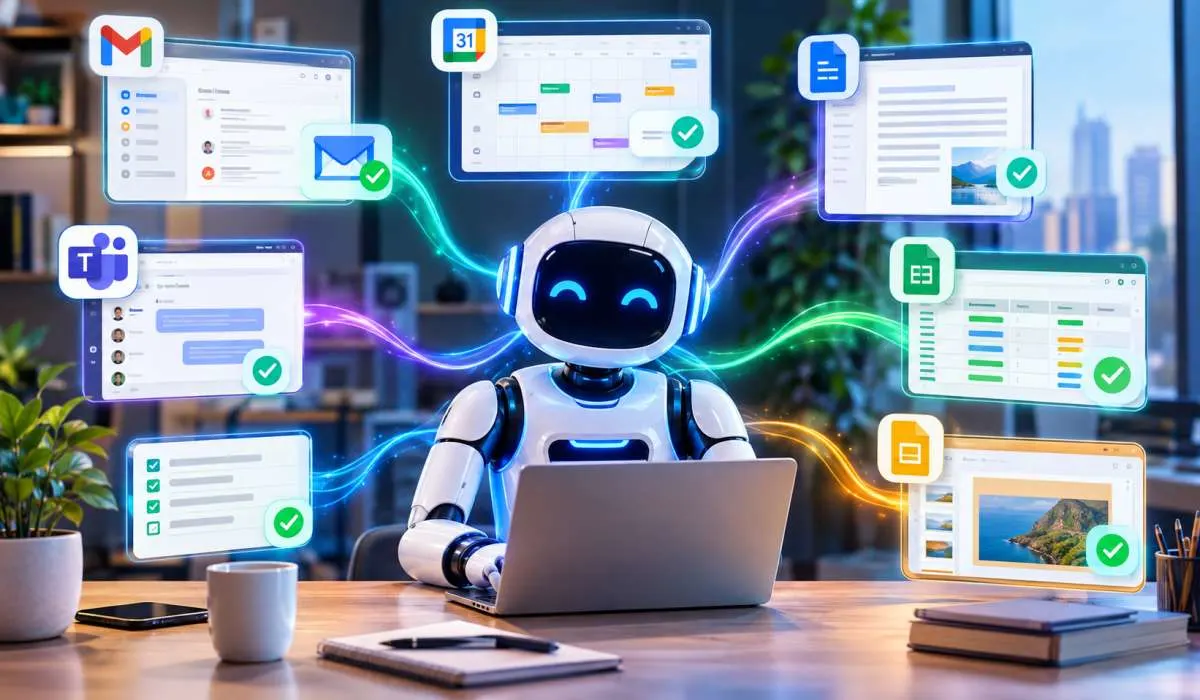
Think of a smart assistant that reads your email, spots a meeting request, checks your calendar, and books the slot. That is AI automation. It is not just following a script. It is understanding what the email means and acting on it.
The key difference is judgment. Automation does the same thing every time. AI automation adapts. It can handle messy, unstructured information like emails, PDFs, or chat messages .
Read More: Cloud Computing Features Explained: How the Cloud Really Works

The biggest shift right now is toward agentic AI. These are agents that act on your behalf, not just respond to commands.
Anthropic launched Claude Duet in late 2026. It is a personal agent built for work. It connects to over 6,000 apps. It sends you a morning briefing from your email and calendar. It checks your accounts every few hours and alerts you when something needs attention. It can even make purchases through Stripe or Shopify, but only with your approval .
ServiceNow released Arc, a personal agent for employees. You give it a goal, not a list of steps. It plans how to achieve it, executes across systems, checks its own work, and adjusts. It can run for days on a single task .
The newest concern is control. If an agent can act, what stops it from doing something wrong? The answer is governance baked into the system.
ServiceNow and NVIDIA built a system where policies are defined once and enforced at every layer—software, runtime, even hardware. Each agent carries an AI Passport that says what it is allowed to access or do. The enforcement layers read that passport and approve or block actions in real time .
This is a major feature. Enterprises will not hand agents real work without this kind of control.
The City of Raleigh deployed AI agents for its IT help desk. One agent, Ral-E, guides employees and answers questions from the city's knowledge base. Another, Alli, resolves complete workflows from start to finish. Results: 66% lower service desk costs, 98% of tickets routed correctly on first contact, and nearly half of IT requests resolved autonomously .
This is not a chatbot. It is an agent that completes work.
Older AI waited for you to ask. Newer agents surface work before you know it exists. Arc scans your backlog, inbox, meetings, and conversations. It finds assigned tasks, pending approvals, and follow-ups. It puts them in front of you without being asked .
People use these terms interchangeably. They are not the same.
The practical rule: use automation for repetitive, structured tasks. Use AI when judgment is needed. Use agents for complex, multi-step work that spans systems.
You May Also Read: How Blockchain Features Improve Security | Blockchain Guide
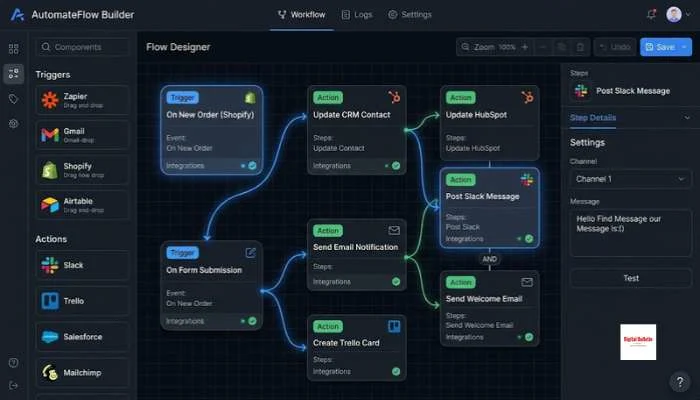
You do not need to code. The tools are built for non-programmers.
Zapier and Make let you connect apps and build automations without writing code. You pick a trigger (like a new email) and an action (like adding a row to a spreadsheet). AI steps can be added in between. Simplilearn offers a free course on this. It covers Zapier and ChatGPT together. No experience needed. You get a certificate at the end .
Pick one platform. Learn its limits. Learn its strengths. Build something real. Automate a task you actually do every week. That is how the skill sticks.
You need to know the difference between automation, AI automation, and agents. You need to understand what structured and unstructured data means. You need to know when to use each. These concepts matter more than any single tool .
LearnFormula offers a course on AI automation and agentic AI with n8n, ChatGPT, and Gen AI. It covers building real workflows, creating agents, and orchestrating multiple agents. It is hands-on, not theory . The Luxembourg Lifelong Learning Centre runs a 10-week course for non-programmers. It covers Zapier, Make, prompting, and RAG concepts .
Do not just learn. Build. Automate your own workflows. Document what you did. Show the time you saved. That is what employers and clients want to see.
It is when a computer system handles a task with judgment, not just strict rules. It can read an email, understand what it means, and act on it. Traditional automation cannot do that .
Automation follows fixed rules. It does the same thing every time. AI adds judgment. It handles messy information and makes decisions. They work best together .
Personal agents that work in the background. Governance built into the agent so it only does what it is allowed to do. Agents that resolve work end-to-end, like IT tickets. Proactive agents that find work before you ask .
Yes. Tools like Zapier and Make are no-code. You connect apps visually. Free courses exist. You can start today .
An AI agent is software that can plan, decide, and take action across systems. It is not just a chatbot. It completes tasks. It can run for hours or days on a single goal .
Pick one no-code tool. Take a free course. Automate one real task. Then another. Build from there. Do not try to learn everything at once .
They can be, with governance. The newest systems enforce rules at every layer. Agents carry a passport that says what they can do. Enforcement blocks anything outside those rules .
Customer service, IT help desks, marketing, finance, document processing, and operations. Any role with repetitive tasks or unstructured data can benefit .