AI SEO Software Review for Small Websites: What Actually Works in 2026
Small website owners face a tough choice. You need SEO tools to rank. But most paid tools cost too much...
Gadgets & Technologies Are Together
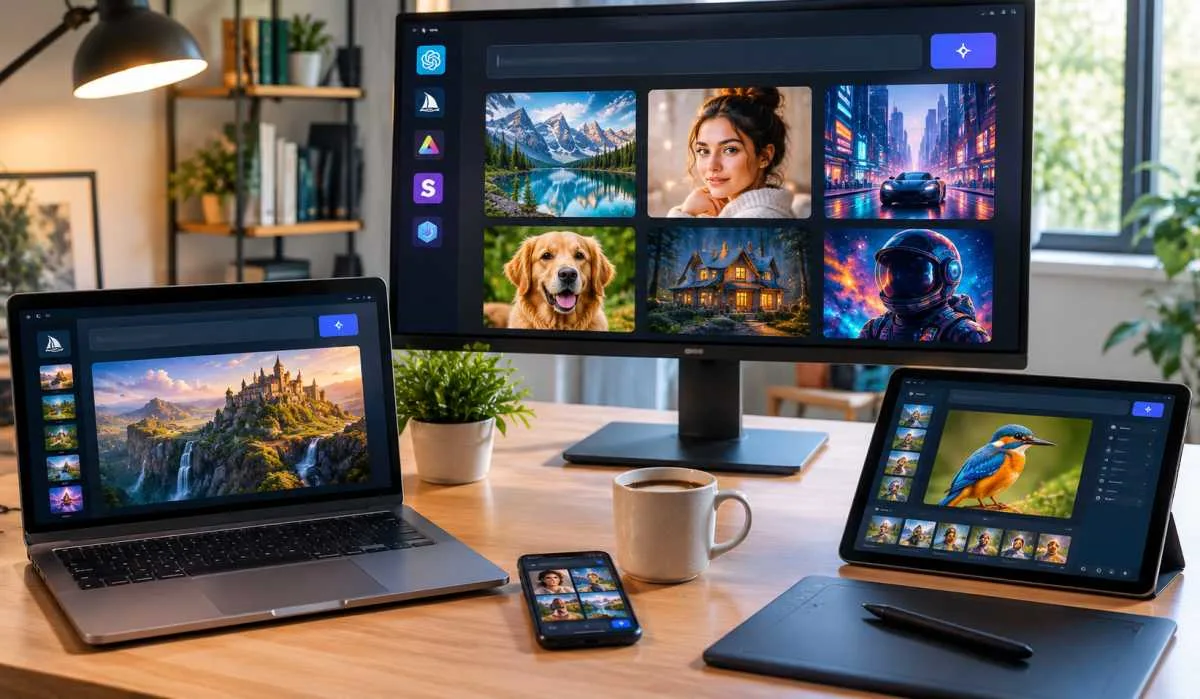
Finding a free AI image generator that does not waste your time is harder than it should be. Every tool says it is free. But free means different things. Some give you a few images per day. Others add watermarks. Some restrict commercial use. This free AI image generator tools review cuts through the noise. We tested the top options for realism, creativity, and control.
Google Gemini is the best all-rounder. FLUX.2 leads for realistic photos. Ideogram wins for text inside images. Canva is the easiest app. Stable Diffusion offers unlimited local generation. We cover free allowances, watermarks, and commercial rights. No fluff Just what you actually get.
Before we get into the tools, understand the trade-offs.
Read More: Best Video Editing Software Review: Top Tools for 2026
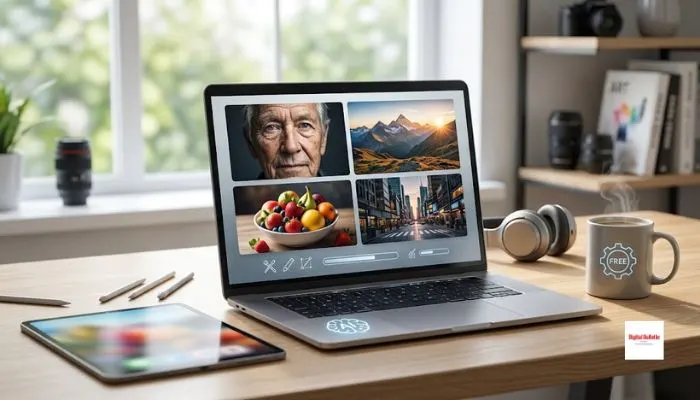
If you need photorealistic images, these tools deliver.
Gemini is the best free option for most users. It gives you around 20 images per day at up to 1K resolution using the Nano Banana 2 model . The model handles complex text rendering in over 10 languages.
FLUX.2 from Black Forest Labs leads in photorealism. It produces images up to 4 megapixels with realistic lighting and physics. The multi-reference capability lets you steer up to 10 source images for consistent faces, products, or styles across a campaign .
Firefly is built for commercial safety. It is trained on licensed Adobe Stock images and public domain content. This makes the training data provenance easier to explain than most competitors .
Ideogram is the best tool for text inside images. It renders legible text for logos, posters, and product labels. Other models struggle with this .
Leonardo offers 150 tokens per day, resetting every 24 hours. That is roughly 25 to 37 standard images depending on the model .
Recraft is the only free tool that produces native SVG vector files. You can open the output in Illustrator or Figma and edit it directly .
Stable Diffusion is open source and runs entirely on your own hardware. Your prompts and outputs never touch anyone else's server .
Krea 2 is a new open-source model released in June 2026. It was ranked the number one text-to-image model from an independent lab on Artificial Analysis .
For mobile users, these apps deliver solid results.
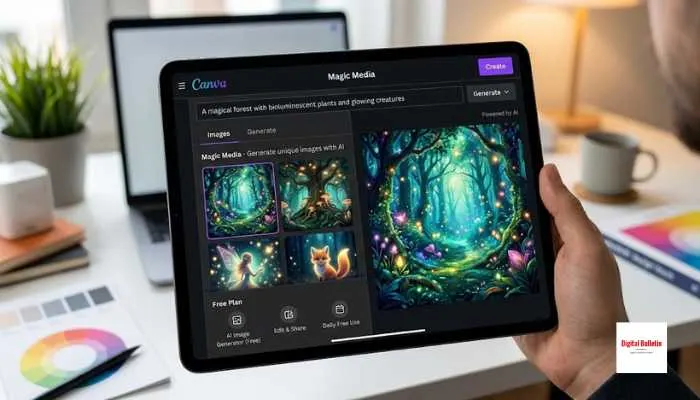
Canva's generator is the most approachable on the market. Prompt it, get an image, and drag it straight into a Canva design. Canva does not train its AI on your content, and generated images are always private .
Microsoft's tools offer 15 quick generations per day, then unlimited slower generations. The tool uses multiple models including Microsoft's own MAI-Image-2e .
You May Also Read: Best VPN for Gaming Low Ping in 2026: Top Picks for Gamers
| Tool | Free Allowance | Watermark | Commercial Use | Best For |
|---|---|---|---|---|
| Google Gemini | ~20 images/day | Visible logo (app) | Allowed | Everyday use |
| ChatGPT | 2-3 images/day | Invisible only | Allowed | Beginners |
| Ideogram | 10 credits/week | No | Allowed | Text in images |
| Leonardo.Ai | 150 tokens/day | No | Public outputs | Designers |
| Recraft | 30 credits/day | No | Recraft owns | SVG vectors |
| Canva | Hard cap | No | Private outputs | Beginners |
| Microsoft Designer | 15 quick/day | Visible | Personal only | Casual users |
| Stable Diffusion | Unlimited (local) | No | Varies by model | Privacy |
The best free AI image generator depends on what you need. Google Gemini is the best all-rounder with a clear daily allowance and commercial rights. FLUX.2 leads for photorealism. Ideogram is unmatched for text in images. Canva is the easiest app for beginners. Stable Diffusion offers unlimited local generation for privacy-focused users.
Start with the free tier. Test with your own prompts. Check the commercial rights before using images for client work. Most tools are more than enough for casual and everyday use.
Google Gemini is the best free option for most users. It gives around 20 images per day at 1K resolution with commercial use allowed . For photorealism, FLUX.2 leads . For text in images, Ideogram is the best .
FLUX.2 produces the most photorealistic images. It outputs up to 4 megapixels with realistic lighting and physics . Google Gemini is the best free option for realism, with fast conversational edits .
Canva Magic Media is the easiest app for creating AI images for free. It is private by default and integrates with Canva's design tools . Microsoft Designer is another option with 15 quick generations per day, but free use is personal only .
It depends on the tool. Google Gemini and ChatGPT allow commercial use on free tiers . Microsoft Designer restricts free use to personal, non-commercial only . Adobe Firefly allows commercial use but IP indemnification requires a paid plan . Always check before using images for client work.
Some are. Google Gemini adds a visible logo on app-generated images . Microsoft Designer adds a visible watermark . ChatGPT adds only an invisible C2PA watermark . Ideogram, Leonardo, and Canva do not add visible watermarks on free tiers.
Ideogram, Leonardo.Ai, Recraft, and Canva do not add visible watermarks on free tiers. Google Gemini adds a logo on app images. Microsoft Designer adds a visible watermark. ChatGPT adds only invisible marking .
Yes. Stable Diffusion is open source and runs on your own hardware. There is no per-image cost and no platform limit once set up. You need a decent GPU and some technical comfort .
Ideogram is the best tool for rendering legible text inside images. It was built for this purpose and handles logos, posters, and product labels better than competitors .