Best Free QR Code Scanner Apps Review: Top Picks for Android and iPhone
QR codes are everywhere now. Restaurant menus, Product packaging, Event check-ins, Wi-Fi sharing. Having a reliable scanner on your phone...
Gadgets & Technologies Are Together
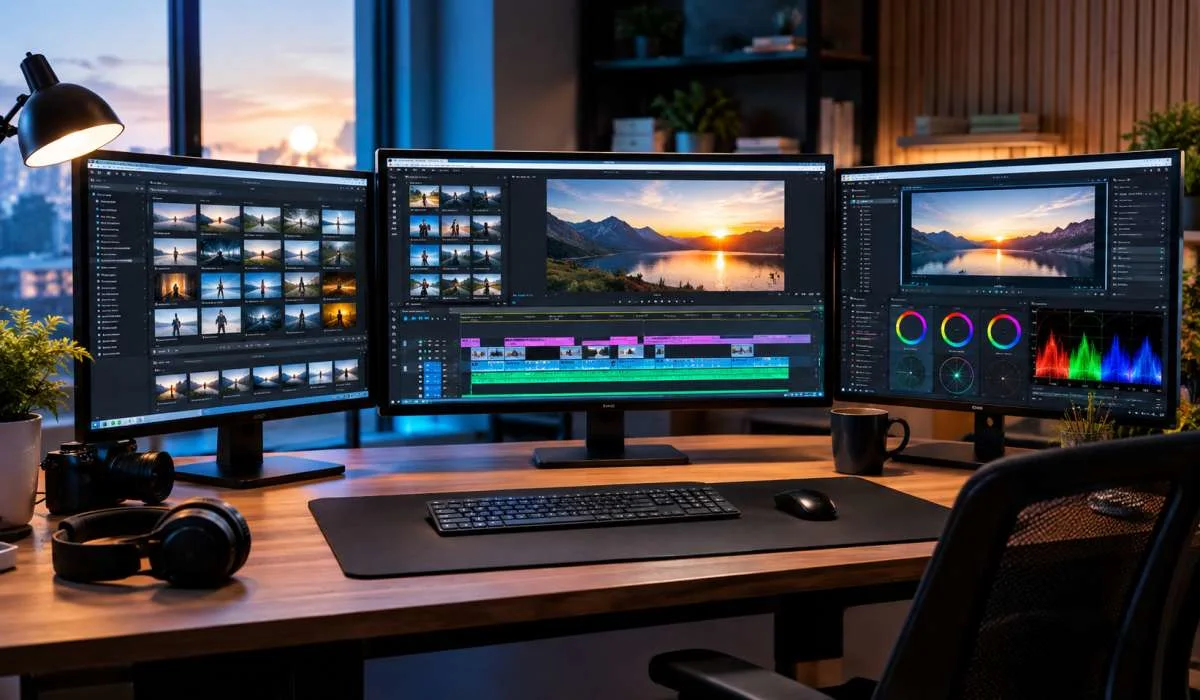
Picking the right video editor is hard. There are too many options. Free ones. Paid ones. Simple ones. Complex ones. This best video editing software review breaks down the top choices for 2026. DaVinci Resolve is the best free option with no watermark and 4K export.
CapCut is the easiest for beginners and social media creators. PowerDirector is the best all-rounder for PC users. Final Cut Pro is the choice for Mac pros. Premiere Pro is the industry standard. We cover free and paid options for every skill level. No fluff. Just clear recommendations to help you pick the right tool.
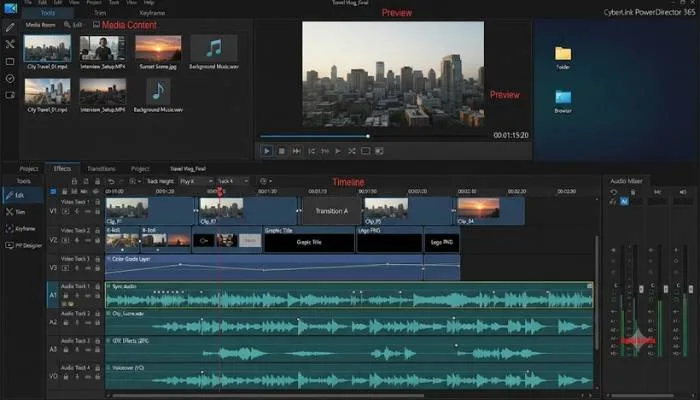
PowerDirector is a versatile editor that works for both beginners and experienced users. It includes multicam editing, motion tracking, AI tools, and 360-degree VR support . The software also has a separate mobile app with over 100 million downloads .
Read More: How to Identify Fake Product Reviews: Easy Warning Signs
DaVinci Resolve is the best free video editing software available. The free version is surprisingly robust with professional color grading, audio editing, and motion graphics . It exports up to 4K without watermarks . The paid Studio version adds AI noise reduction, advanced HDR, and resolutions above 4K .
CapCut is the go-to choice for social media creators. It is intuitive, mobile-friendly, and includes AI tools like auto-captions and effects . It syncs well with TikTok and has TikTok's filters built in . The desktop version offers more advanced features than the mobile app . CapCut moved several features behind a Pro tier in early 2026. The Pro version costs $19.99 per month .
iMovie comes free with every Mac and iPhone. It is surprisingly capable with chroma keying, audio filters, and Storyboard features that guide you through creating polished videos . It maintains Apple's Cinematic mode effects from iPhone footage .
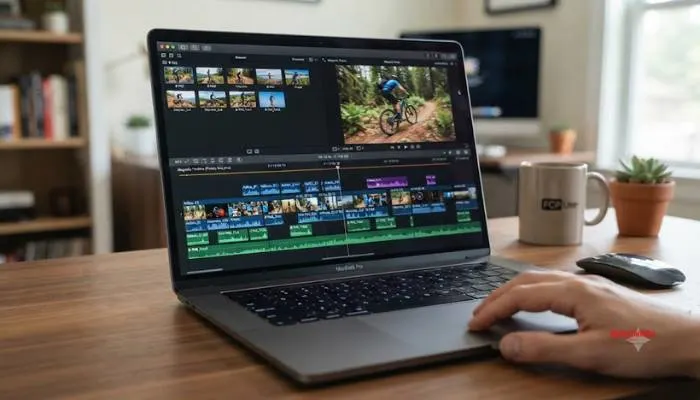
For professionals, Final Cut Pro offers a modern trackless timeline with powerful features like Magnetic Mask for rotoscoping and Scene Removal Mask for background removal . It is available as a subscription or perpetual license .
Adobe Premiere Pro is the industry standard. It has a large ecosystem of companion apps and plug-ins . It excels in collaboration features and plays well with After Effects and Photoshop . For mobile creators, Adobe Premiere Rush is a free, lightweight editor for iPhone and iPad. It has no ads or watermarks and includes AI tools for captions and sound effects .
If you want to edit in a browser without signing up, Cutflux is a solid choice. It is built around automatic beat detection and has no watermark . Clipchamp, Microsoft-owned, is a general-purpose browser editor. The free tier exports up to 1080p .
You May Read Also: Best WordPress Plugin Reviews: Top Tools for Your Website
| Software | Best For | Price | Platforms | Watermark |
|---|---|---|---|---|
| DaVinci Resolve | Free pro editing | Free | Win, Mac, Linux | No |
| CyberLink PowerDirector | Overall | $54.99/year | PC, Mac | No |
| CapCut | Beginners/Social | Free (Pro $8/mo) | Win, Mac, mobile | No |
| iMovie | Mac beginners | Free | Mac, iPhone | No |
| Final Cut Pro | Mac pros | $4.99/mo | Mac | No |
| Premiere Pro | Industry standard | $22.99/mo | Win, Mac | No |
| Premiere Rush | Mobile Adobe users | Free | iPhone, iPad | No |
| Cutflux | Quick beat-sync edits | Free | Browser | No |
| Clipchamp | Browser editing | Free (1080p) | Browser | No |
The right video editor depends on your skill level and needs. DaVinci Resolve gives you professional tools for free . CapCut is the easiest option for social media creators . PowerDirector is the best all-rounder . Mac users should start with iMovie and upgrade to Final Cut Pro when they outgrow it . Start with the free tier and upgrade only when you hit limits. Most people will find the free options more than enough.
CapCut is the easiest. Free and simple. iMovie is good for Mac users. DaVinci Resolve is free but harder to learn.
DaVinci Resolve. No watermark. Exports 4K. Professional tools. CapCut is also free and good for quick edits.
Yes, but some features now cost money. Pro is $8 a month. Free version still works for basic editing.
Premiere Pro, DaVinci Resolve, and Final Cut Pro. Premiere is the industry standard. DaVinci is free. Final Cut is for Mac.
Yes. CapCut is free on mobile. iMovie is free on iPhone. Premiere Rush is also free.
PowerDirector is good all-around. DaVinci Resolve is the best free option. Premiere Pro is the pro choice.
No. Free version has no watermark. Exports clean 4K video.
Yes for Mac users. Fast and smooth. $4.99 a month. Start with iMovie first.
CapCut. Syncs with TikTok. Auto-captions. Trendy effects. Cutflux is good for quick browser edits.
DaVinci Resolve. CapCut. iMovie. Cutflux. All free. No watermarks.