How to Make a Slideshow Video: Simple Step-by-Step Guide
You have photos on your phone. You have memories you want to share. A slideshow video is the perfect way...
Gadgets & Technologies Are Together
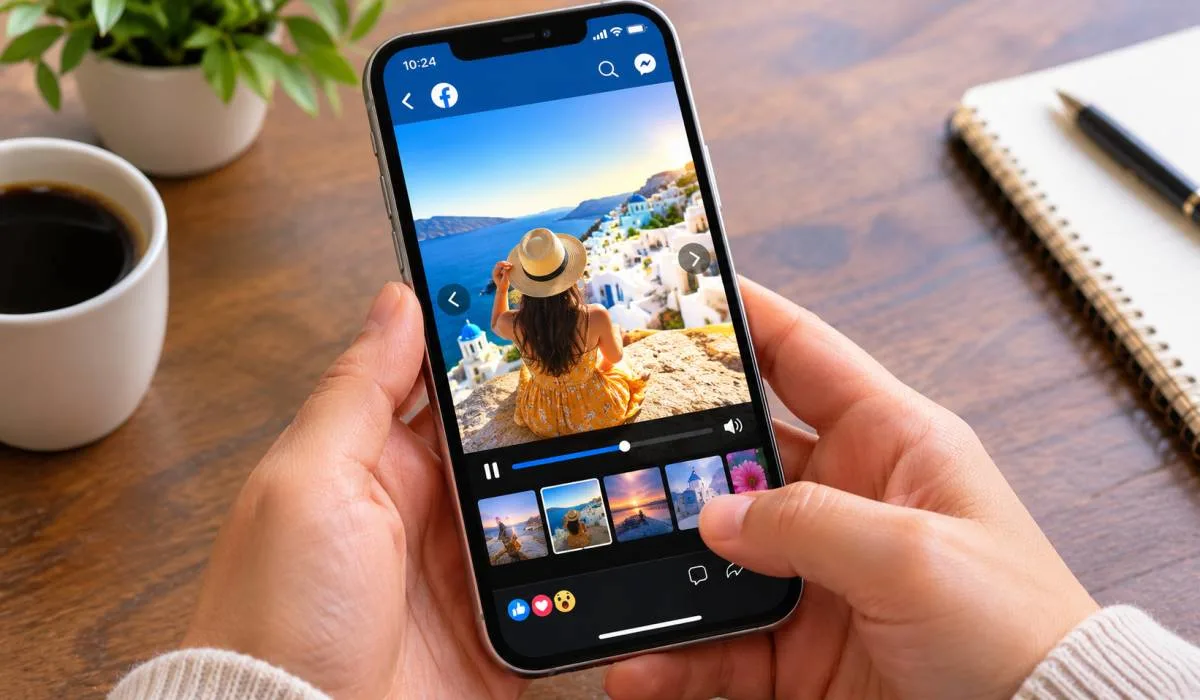
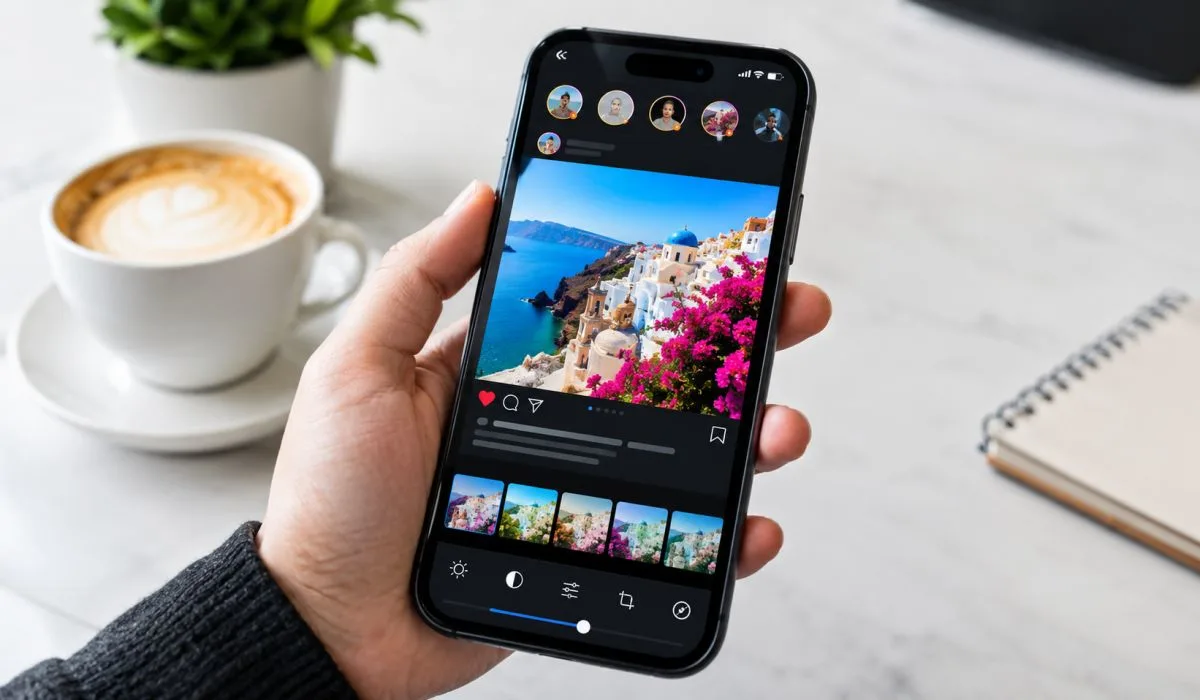
Facebook is still the biggest social network. Photos get attention but a slideshow with music gets more. It tells a story. It keeps people watching. The good news is you do not need to pay for software.
This guide covers the best slideshow maker for Facebook photos. We look at free mobile apps like FotoPlay and FotoSlider. We cover browser tools like Adobe Express. We explain how to add music without breaking copyright rules. We share tips for better slideshows. No watermarks, No hidden fees Just tools that work. Start with the free versions. Upgrade only if you need more most people never will.
FotoPlay is one of the most popular slideshow makers for Android and iOS. It has over 700,000 reviews on Google Play alone .
Key features:
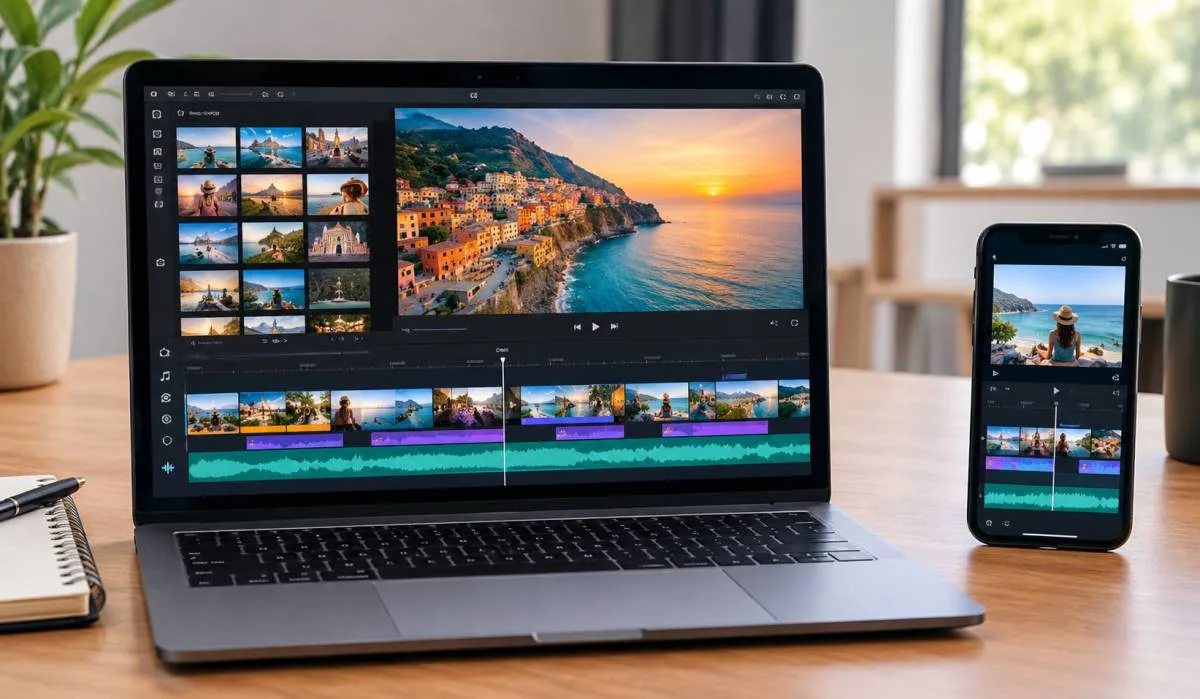
The app is easy to use. Pick your photos. Add music. Choose transitions. Export. Done.
Read More: Best Photo Slideshow Maker for Instagram: Free and Easy
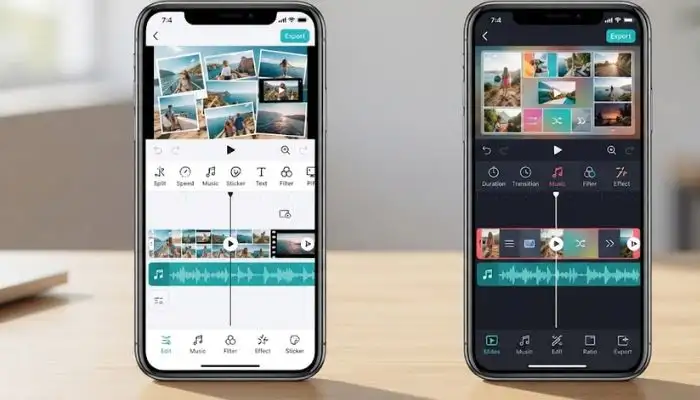
FotoSlider is another strong free option with over 1 million downloads .
Key features:
The app includes animated text and GIPHY stickers. Good for creative slideshows.
Fliptastic is an iOS app with a 4.6-star rating and over 1 million users .
Key features:
The app is simple and works well for personal slideshows.
PhotoStage is another option for iOS users .
Key features:
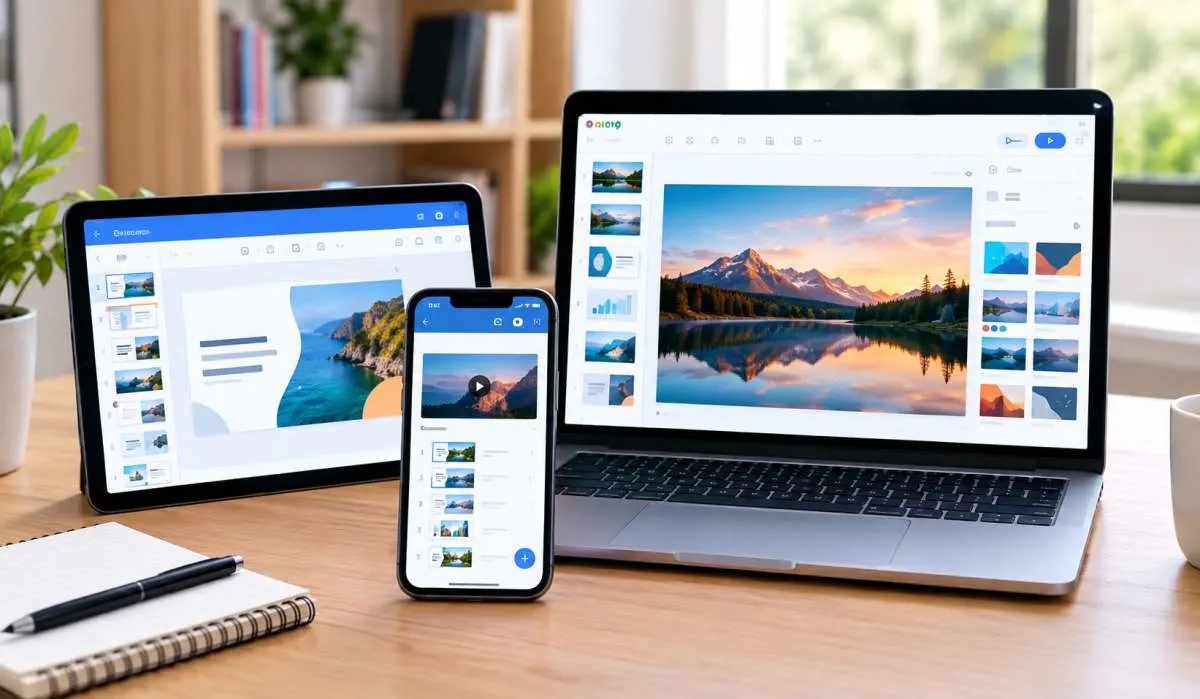
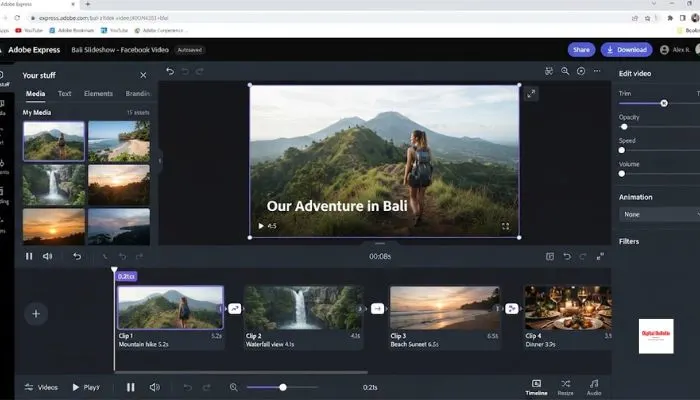
Adobe Express is a free online tool from Adobe. No credit card required .
Key features:
The free version covers basic needs. Premium unlocks more features. Most users can finish a slideshow in under 15 minutes .
Designkit is a browser-based slideshow editor that works well for Facebook .
Key features:
The tool is simple. Good for quick slideshows without installing software.
Facebook has its own slideshow tool. It was originally built for advertisers. The tool lets you create lightweight videos from photos or existing videos .
Features:
However, this tool is mainly for ads. For personal posts, third-party apps give you more control and better features.
Music makes slideshows better. But there are rules.
For personal profiles: You can use Facebook's licensed music library. It is available in the app .
For business pages: You cannot use the full licensed library. Facebook restricts commercial accounts from using copyrighted songs freely. You must use:
Important: If you upload a slideshow as a video, the music is already baked in. You do not need to add music separately on Facebook .
You May Also Read: Best AI Slideshow Generator for Presentations: Free Tools
| Tool | Platform | Watermark | Music | Facebook Share |
|---|---|---|---|---|
| FotoPlay | Android, iOS | No | Yes | Direct |
| FotoSlider | Android | No | Yes | Direct |
| Fliptastic | iOS | No | Yes | Direct |
| PhotoStage | iOS | No | Yes | Direct |
| Adobe Express | Web | No | Yes | Direct |
| Designkit | Web | No | Yes | Upload |
Use the right aspect ratio. 1:1 square works for feed posts. 16:9 works for video posts. Both are supported by the apps above.
You do not need to pay for a slideshow maker for Facebook photos. FotoPlay and FotoSlider are the best free mobile apps. They have no watermarks, support music, and share directly to Facebook. Adobe Express is the best browser option. It is free and from a trusted brand.
Pick one. Start with the free version. Upgrade only if you need premium effects. Most people never will.
FotoPlay and FotoSlider. Both free. No watermarks. Add music. Share straight to Facebook. Adobe Express works in a browser too.
Yes. FotoPlay, FotoSlider, and Fliptastic have built-in music. Or use your own tracks. Most sync transitions to the beat.
Yes, but it is for ads mostly. Personal posts are better with third-party apps. More control. Better features.
1:1 for feed posts. 16:9 for video posts. 4:5 for mobile feeds. All apps support these.
Tap the Facebook icon in the app. Post directly. Or export the video and upload it yourself.
Personal profile? Yes. Facebook has licensed music. Business page? No. Use royalty-free or CC0 tracks. Copyrighted songs get muted or removed.
5 to 10. People scroll fast. Longer loses attention. Keep it short.
No. FotoPlay, FotoSlider, Fliptastic, PhotoStage, and Adobe Express all export clean. No watermarks. Ready to post.