How to Make a Slideshow Video: Simple Step-by-Step Guide
You have photos on your phone. You have memories you want to share. A slideshow video is the perfect way...
Gadgets & Technologies Are Together
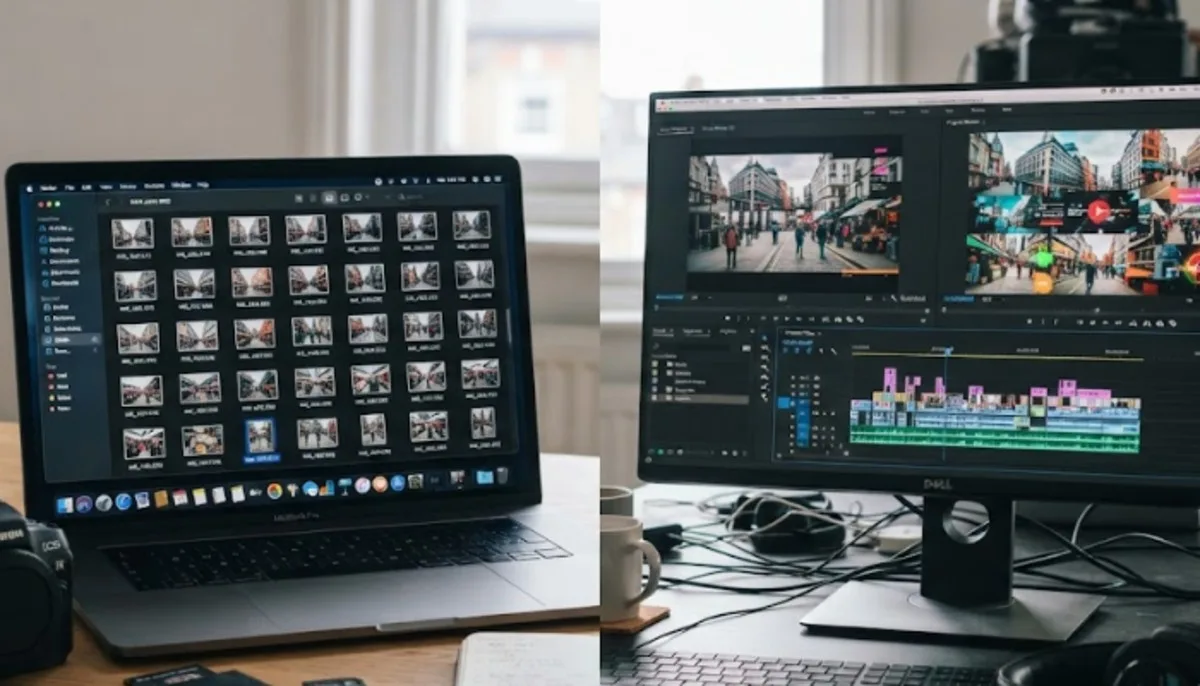
An AI slideshow from images eliminates the need for human effort in creating videos from photos. All you need to do is select your pictures, and the software takes care of the rest. It puts them in place, transitions them and selects music to suit the mood. That means you'll have a slideshow complete in minutes, not hours.
There is no need to have any editing skills. Most of these tools are free and used online. You can use an AI slideshow maker for so many things: from sharing your memories of the vacation to making a birthday video, or to creating a business presentation. No watermark, no hassle and a good video for sharing.
An AI slideshow maker is a tool that uses artificial intelligence to turn your photos into a video or presentation . You upload your images. The AI picks the order, adds transitions, and even suggests music. Some tools also let you add text overlays and captions automatically . The result looks professional without you doing the editing yourself.
Read More: How to use slideshows for storytelling in marketing
There are several good tools that let you create an AI slideshow from images online free. Here are the top options.
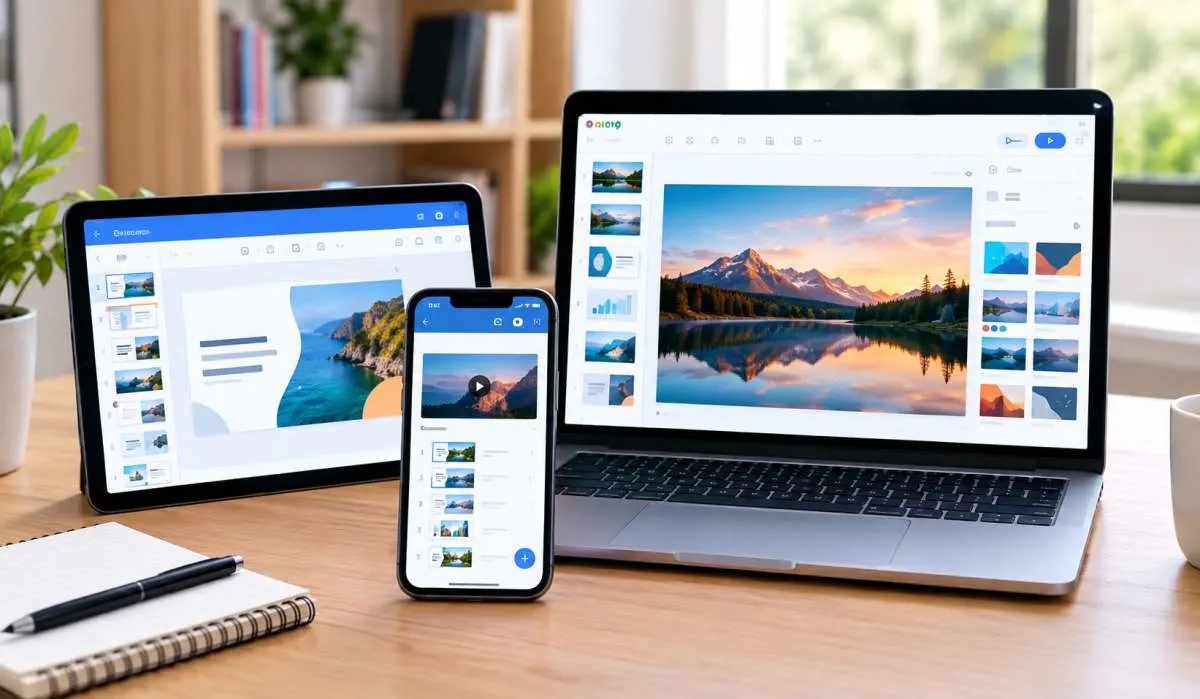
Google Mixboard is a free tool that uses AI to create presentations from your photos and documents . You go to Mixboard, upload your images, and the AI turns them into a full presentation. It is in public beta right now, so it costs nothing to use .
Mixboard works best with Chromium-based browsers like Chrome . You can upload plenty of files related to your project. An indicator at the top right shows when you have uploaded enough to generate a presentation . The AI takes around 20 minutes to finish, depending on how many files you upload .
You can download the final presentation as a PDF or as a selection of images . You can also present it directly from Mixboard.
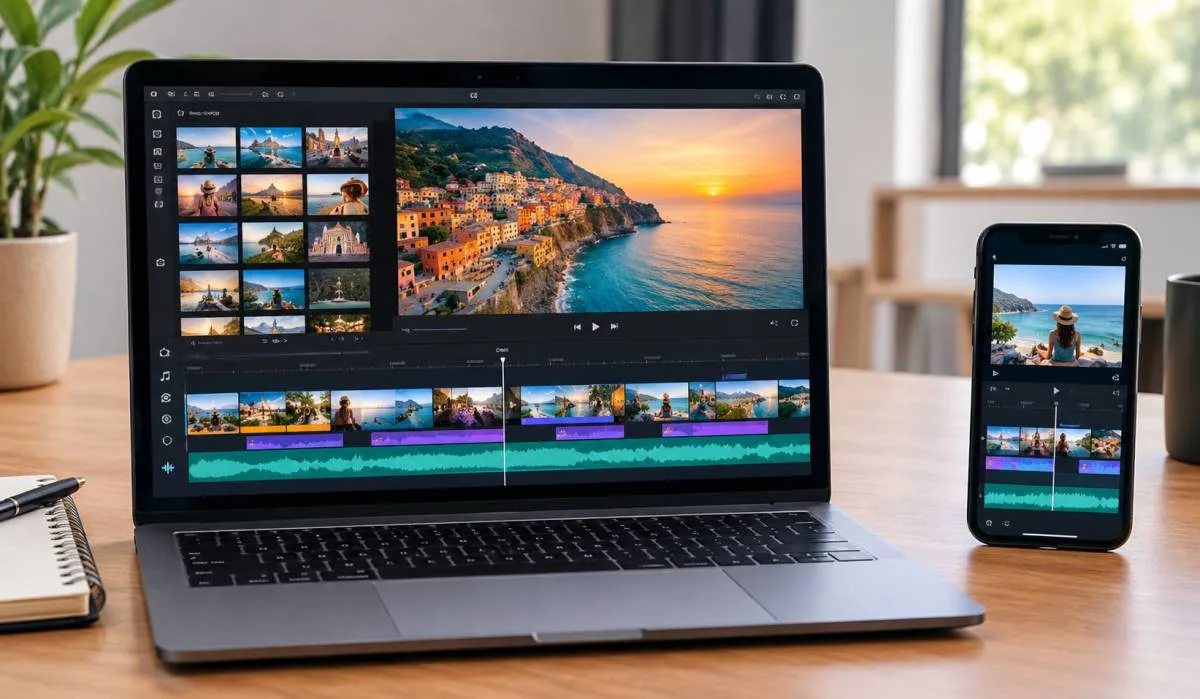
CapCut is a free slideshow maker from the makers of TikTok . It has a huge library of ready-to-use slideshow templates. You pick a template, add your photos, and the AI does the rest. It also gives you access to over 5,000 royalty-free music tracks to add to your slideshow .
CapCut works well on your phone or computer. It is one of the most popular free tools for making slideshow videos . There are no watermarks on your final video.
Canva is a well-known design tool with a free AI slideshow maker . You start with a prompt describing what you want. Canva's Magic Design tool generates an outline, slides, and content based on your idea . You can pick a template for any occasion like vacations, birthdays, or business events.
Canva has millions of free stock photos and hundreds of free music tracks . You can drag and drop to customize your slideshow. There are no watermarks on free downloads . You can also use it on any device through the web or mobile app.
Pictory is an AI tool that turns photos into slideshow videos automatically . You upload your images, and Pictory creates a draft slideshow. You can then refine the text overlays, adjust timing, and change layouts before exporting .
It offers layout choices, timing controls, and auto captions . You can export in vertical, square, or widescreen formats for different platforms like TikTok, Instagram, or YouTube . Pictory offers a free trial.
Clipchamp is a free video editor from Microsoft that includes an AI slideshow maker . You upload your photos and videos, pick a video style, and the AI generates a polished slideshow . You can also add AI voiceover narrations to your slideshow.
Clipchamp works directly in your browser. It is free to use, with optional paid upgrades for premium content .
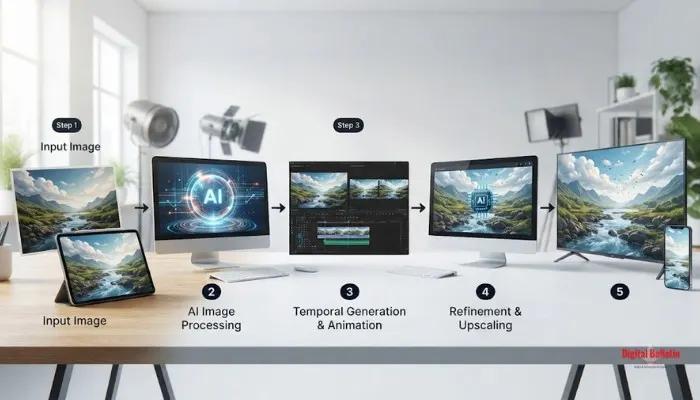
The process is similar across most tools. Here is a simple guide.
Pick one of the free tools above. Canva and CapCut are great for beginners. Google Mixboard is good if you need a presentation format.
Upload the photos you want to use. Most tools let you upload multiple images at once . You can usually drag and drop them into the editor.
The AI will arrange your photos in order and add transitions . Some tools let you set how long each photo appears. Others do this automatically.
You can add text, captions, or music to your slideshow. Canva and CapCut have large libraries of music and design elements. You can also adjust the pacing or change the layout .
Download your slideshow in your chosen format. Most tools let you export in HD quality. You can then share it on social media, email it, or present it directly .
You May Also Read: Top 10 Indian Health Tech Apps 2026 Slideshow
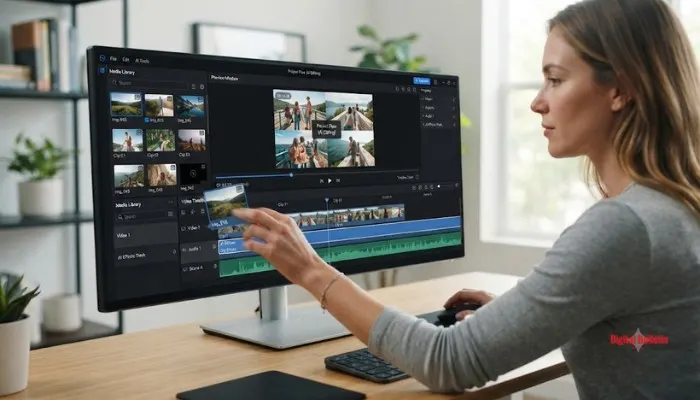
When picking an AI photo slideshow maker, look for these features.
Canva and CapCut are two of the best free options. Canva has powerful AI design tools and a huge library of templates. CapCut has over 5,000 music tracks and works great for social media videos.
Yes. Google Mixboard, Canva, CapCut, and Clipchamp all offer free online slideshow makers. You do not need to download any software.
Most tools create a draft slideshow in seconds or minutes. Google Mixboard takes about 20 minutes to generate a full presentation . Other tools like Pictory or Canva work faster.
Yes. Most AI slideshow makers have built-in music libraries. CapCut has over 5,000 royalty-free tracks . Canva and Clipchamp also offer free music options.
Canva and CapCut do not add watermarks to free exports. Some tools may add watermarks unless you pay. Always check before you start.