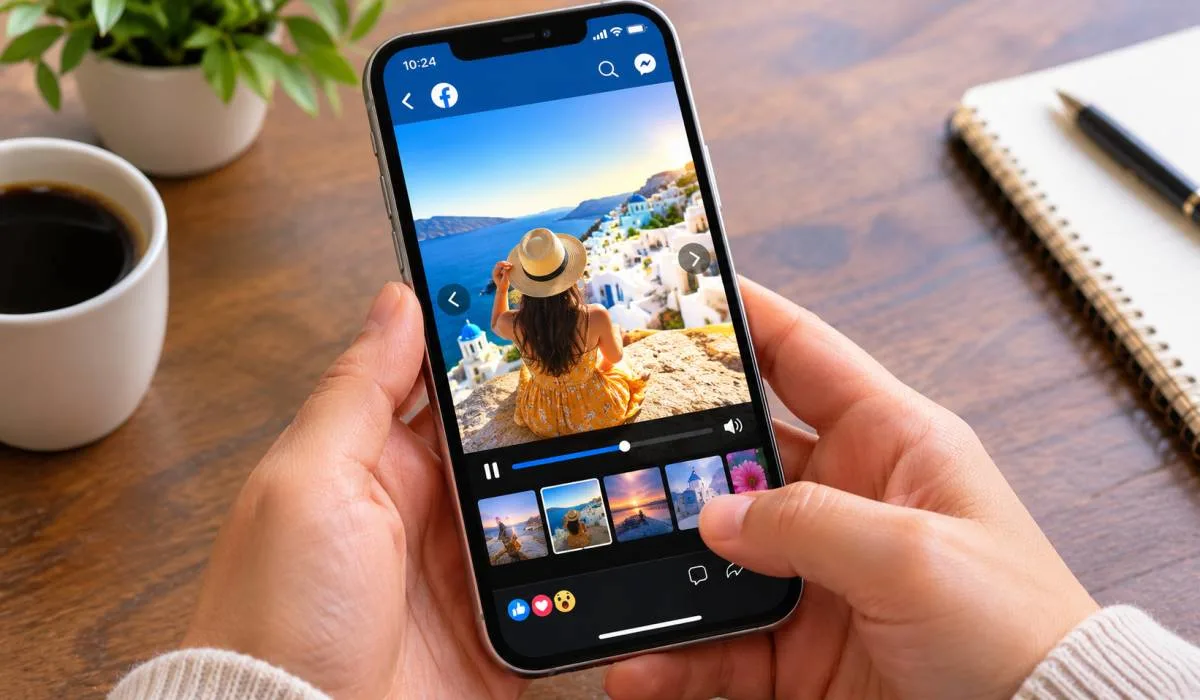
Best Slideshow Maker for Facebook Photos: Free Tools
Facebook is still the biggest social network. Photos get attention but a slideshow with music gets more. It tells a...
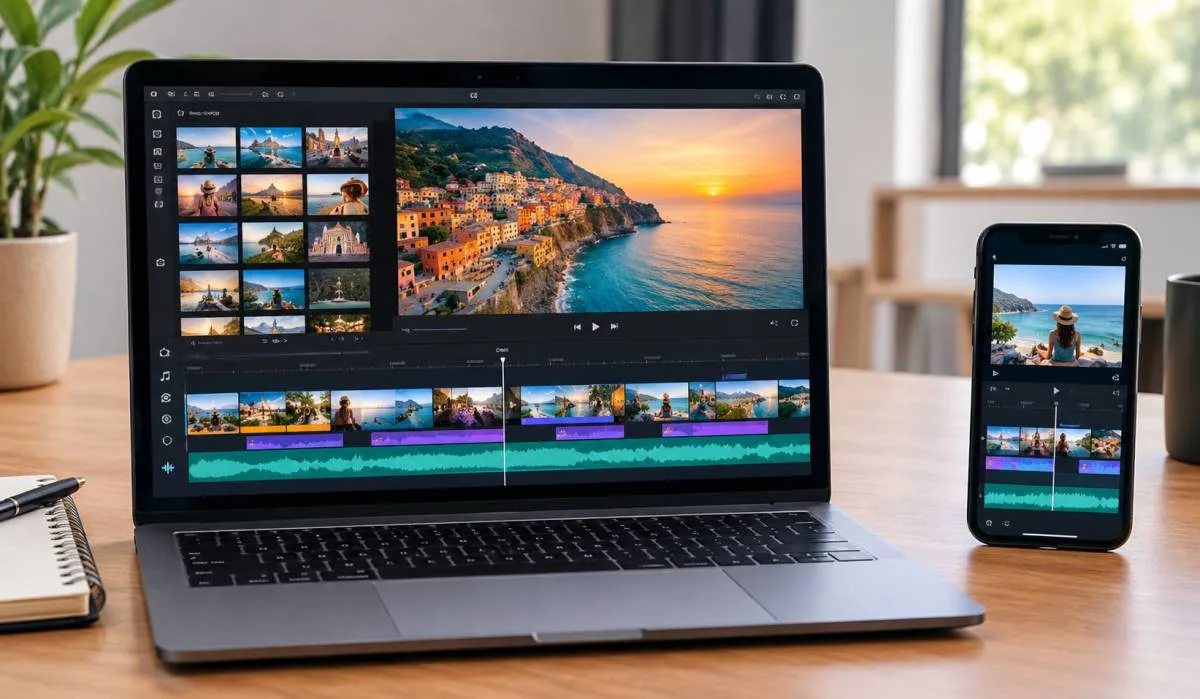
Gadgets & Technologies Are Together
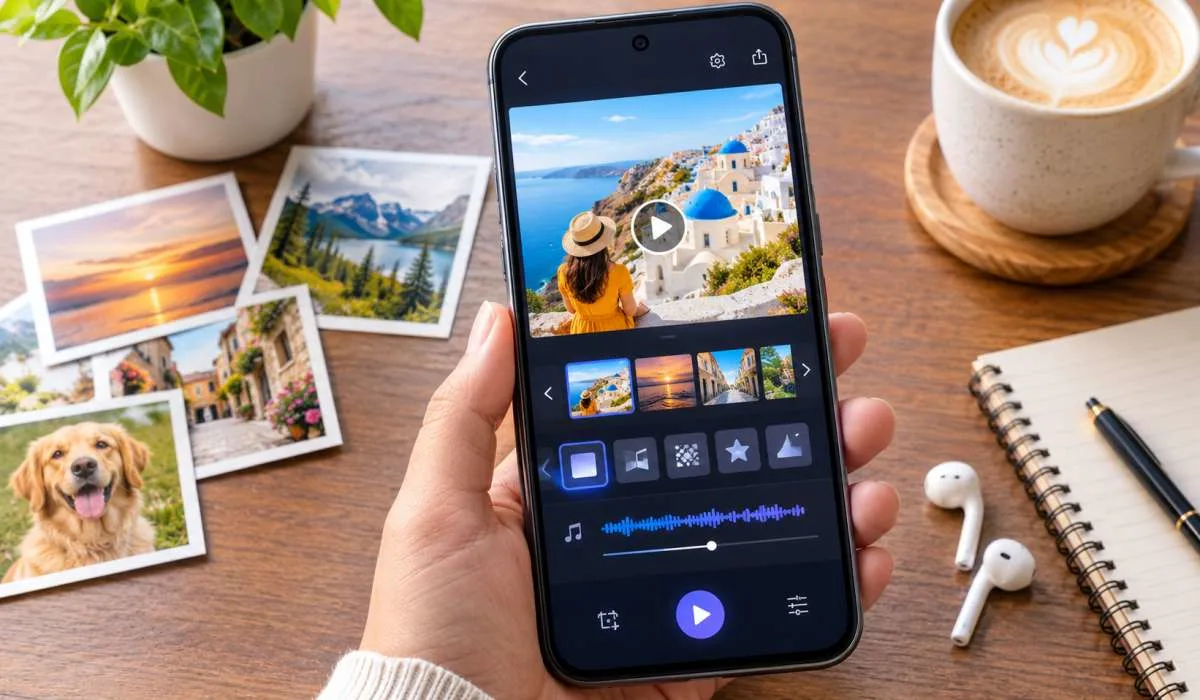
Making a slideshow should not be hard. You have photos on your phone. You want to turn them into a video. But most tools are confusing. They hide features behind paywalls. They slap watermarks on your work. That is frustrating. The best free slideshow maker for beginners changes that.
It is simple. You pick your photos, add music & choose a transition. You export, Done. No editing skills needed. No credit card required. Some apps even do the work for you. They auto-generate the whole video in seconds. This guide covers the top free options. Each one is easy to use. Each one works.
These mobile apps are the easiest starting point. They are built for quick creation.
FotoSlider is one of the highest-rated free options on Google Play, with a 4.8-star rating from over 37,000 reviews . It is designed for beginners.
Key Features:
The app lets you add text with various artistic fonts and animation effects . It is one of the best slideshow app with music free options available.
Read More: Best Free Slideshow Maker: Top Mobile, Web and PC Tools for 2026
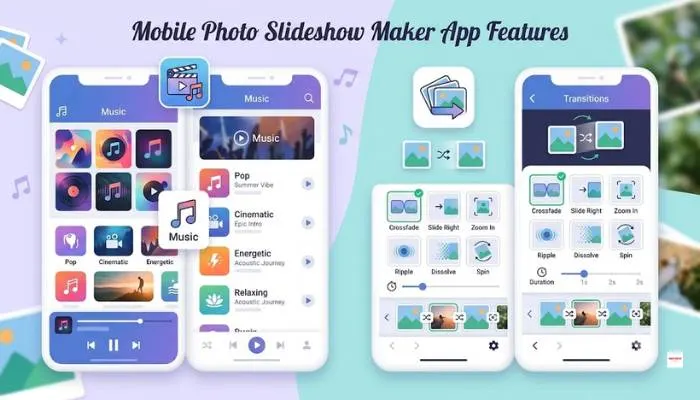
InSlide is a user-friendly free app for Android and iOS. It has a 5-star rating and over 147,000 votes . It is built for creating music albums and photo videos quickly.
Key Features:
InSlide lets you create videos in just four simple steps, making it ideal for beginners .
MoShow is available on both iPhone and Android. It is designed for easy slideshow creation with automatic effects.
Key Features:
The free version includes a logo. Removing it and exporting in HD requires a paid plan .
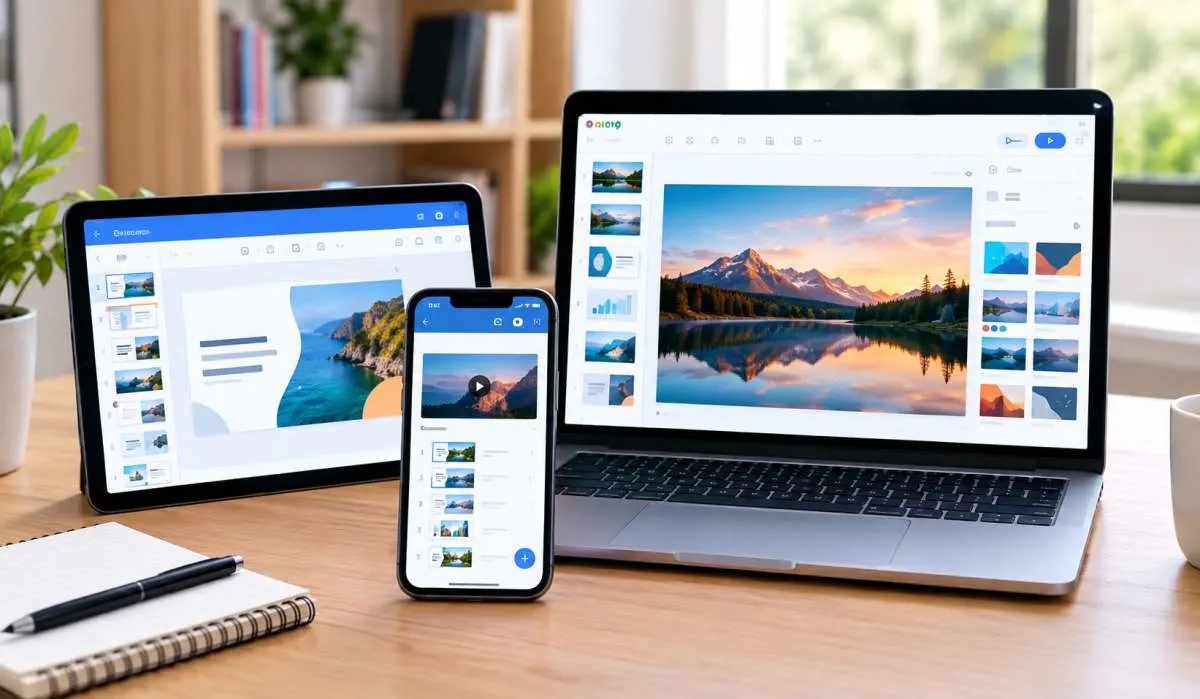
If you prefer working in a browser without installing an app, these are solid choices.
SLIDEZ is a free online slideshow maker built by a developer who was frustrated with watermarks and signups . It is dead simple.
Key Features:
It is built with Next.js and FFmpeg and runs entirely in your browser .
Pictory is a browser-based slideshow maker with a free trial . It is a good option for beginners who want captions and AI features.
Key Features:
The free trial includes 50 AI credits, but videos downloaded carry a watermark. Paid plans start at $25 per month .
You May Also Read: Best Photo Slideshow Maker for Instagram: Free and Easy
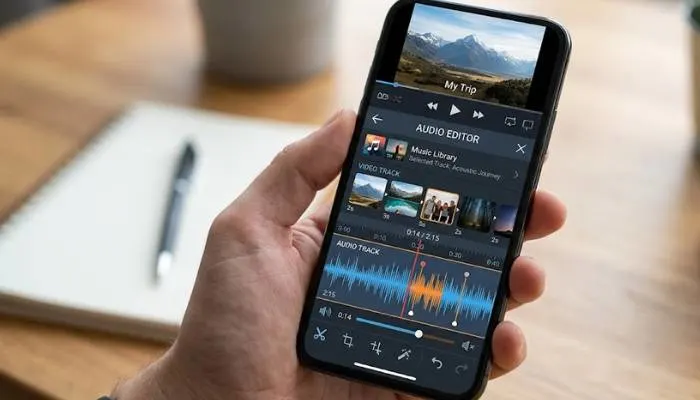
Music is what makes a slideshow feel alive. These apps handle it well.
FotoPlay is a free app for iPhone with a massive music library and no watermark .
Key Features:
FotoPlay is designed for effortless editing with one-tap clipping and precise speed control .
Quik is a free app from GoPro for iOS and Android . It is incredibly fast.
Key Features:
Quik is one of the fastest ways to create a sound slideshow without any editing .
FotoSlider and InSlide are top choices for mobile. Both have high ratings, no watermark in the free version, and simple interfaces. SLIDEZ is the best online option with no account required.
FotoSlider has a 4.8-star rating with over 37,000 reviews and offers music, transitions, and no watermark . InSlide has a 5-star rating and a one-click transition feature .
SLIDEZ is completely free with no watermarks, no account, and no limits. It lets you upload up to 100 photos and download an MP4 in under a minute . Pictory offers a free trial but adds a watermark.
FotoPlay has a massive, regularly updated music library and no watermark . Quik automatically adds music and effects to your slideshow in seconds . FotoSlider also has a built-in music library updated regularly .
Yes. FotoSlider, InSlide, FotoPlay, and SLIDEZ all offer no watermark in their free versions .
Pick a free app like FotoSlider or SLIDEZ. Select your photos, choose a song from the built-in library, pick a transition style, and export. The whole process takes a few minutes.
Use 9:16 for Instagram Reels and TikTok. Use 1:1 or 4:5 for Instagram feed posts. Use 16:9 for YouTube. Most apps have these presets.
Yes. They are from trusted developers on the Google Play Store and Apple App Store. Check the permissions before installing. SLIDEZ processes everything in your browser, so nothing is uploaded to a server .