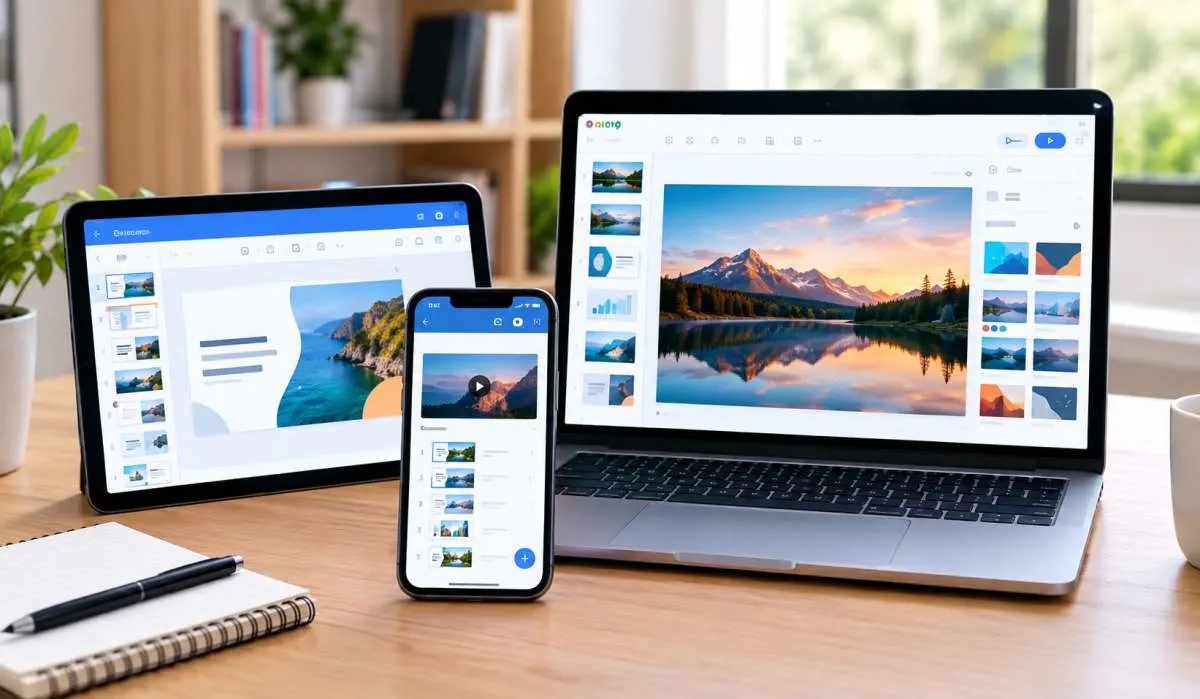
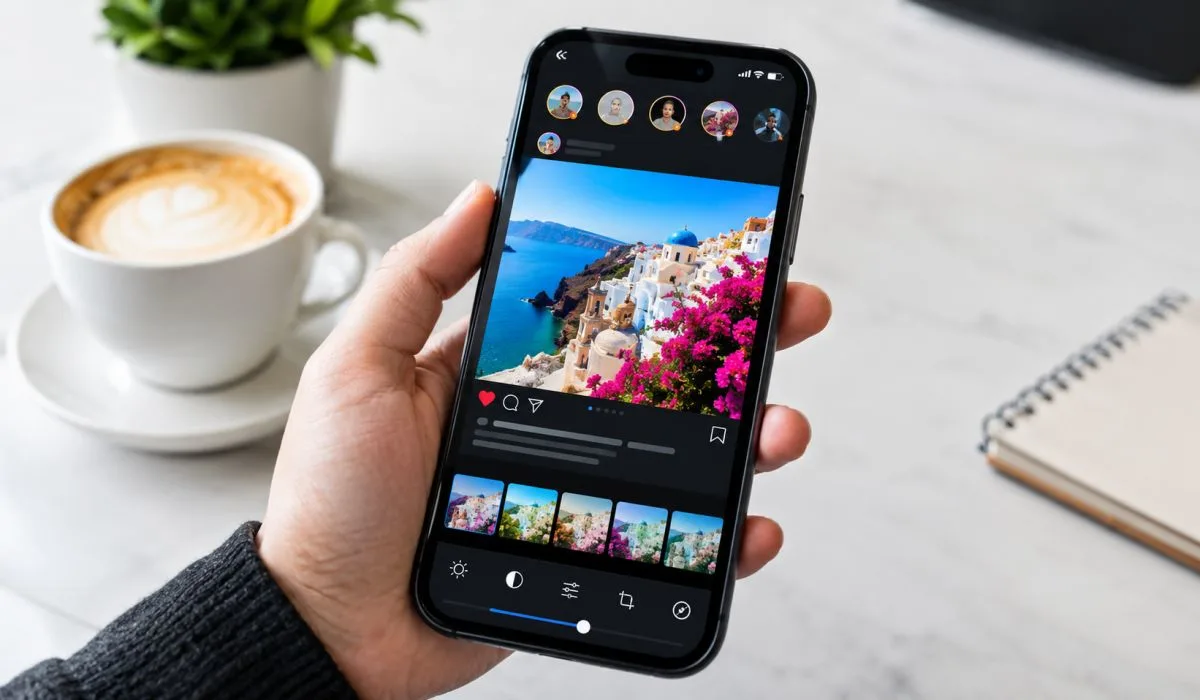
Best Free Slideshow Maker: Top Mobile, Web and PC Tools for 2026
Making a slideshow used to be painful. Expensive software. Hours of learning. Not anymore. Free tools now do the job...
Gadgets & Technologies Are Together
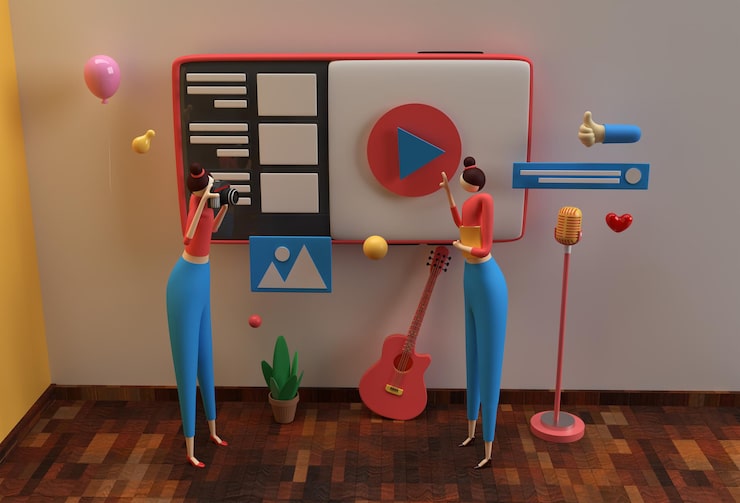
Make an animated slideshow for school projects free by opening Canva or Clideo on your phone browser, upload 8-10 class photos or drawings, pick fade or pan moves from the animate button, add short Indian tune like flute from free audio tab, then download MP4 under 30MB for projector play.
These steps take 15 minutes on Jio net, no watermark or sign up needed, perfect for CBSE science fair or history homework that grabs full marks from teacher. Start with title slide, fit one fact per photo, end with thanks—your rivers project or Gandhi timeline looks pro without spending rupee.
Teachers want projects that show you put in work, not just copy-paste slides. An animated slideshow does that because photos slide in, text bounces a bit, and a soft music plays behind. No one has time for heavy software downloads when phone storage is full of reels and games.
Free online tools fix this. They open fast even on BSNL data, let you add 12-15 photos from your camera roll, and spit out a video file under 30MB. Share it on WhatsApp group or pen drive it to school. Classmates will ask how you did it, and you can say just followed simple steps.
Think of last Diwali project—photos of rangoli fading into fireworks sound. Or science fair with earth rotating animation on pollution topic. These beat static boards every time because they tell the full story in 90 seconds.
Read More: How to Make an ADHD Slideshow That Really Works
Not all free sites work the same in India. Some add ugly watermarks or ask for card details later. Stick to ones that export clean MP4 every time, no tricks.
Here is what works best after trying on different phones:
| Tool | Good Point | Bad Point | Time to Finish |
|---|---|---|---|
| Canva | Lots of school templates | Needs internet full time | 20 mins |
| FlexClip | Auto music match | Few Indian songs | 15 mins |
| Clideo | Super fast upload | Basic animations | 10 mins |
| Adobe Express | Pro look effects | Laptop better | 25 mins |
| Renderforest | Theme for festivals | Sign up slow sometimes | 18 mins |
Canva feels like home because it has "Diwali slideshow" or "Republic Day" ready. Just tap one and change photos to yours. FlexClip auto fixes dim school pics from old cameras. Clideo wins if you rush before assembly bell.
Grab 10 photos first. For history project, print old textbook images or click phone camera on charts. Keep them square shape for clean fit. Now open Chrome, type canva.com.
Step 1: Get Inside Quick
Hit "Create a design" then "Video" or search "slideshow." Skip sign up—guest mode works fine. Type "school project" in templates. Pick first free one with stars or books theme. It loads blank canvas ready.
Step 2: Load Your Stuff
Left side has "Uploads." Tap it, pick gallery photos. They show as thumbnails. Drag first photo to first slide. Stretch to fill screen. Do same for next 8-10 slides. Timeline bottom shows order—swap if Gandhi ji photo comes after Nehru by mistake.
Step 3: Make It Move
Click any photo. Top bar says "Animate." Tap "Pan" for side slide or "Fade" for gentle in-out. Text box? Add "Chapter 1: Early Life" and pick "Typewriter" move so letters appear one by one. Do light moves only—too much spin distracts teacher.
Step 4: Music That Fits
"Audio" button left. Search "motivational flute" or "Indian classical short." Free ones have no copyright tag. Drag to bottom timeline. Pull ends to cut long parts. Slide volume to 50% so voiceover clear if you add any.
Step 5: Text and Shapes Clean
"Elements" tab for lines or arrows. Point arrow to photo detail like "This volcano erupted 1947." Fonts: Pick "Montserrat" bold, size 50 for back row reading. Colours match topic—green text on white for environment slide.
Step 6: Check Before Save
Play arrow top right. Sit back like teacher, watch full 2 mins. Music drown voice? Drag slider down. Slide too fast? Tap timeline, pull longer. Phone preview button checks mobile view since half classes use that.
Step 7: Get the File
"Download" top right. MP4, no watermark, 720 quality. Saves to downloads folder. Rename "Class7_History_Project.mp4." Test play on VLC—common in schools.
Whole thing takes half hour first go. Next project cuts to 12 mins.
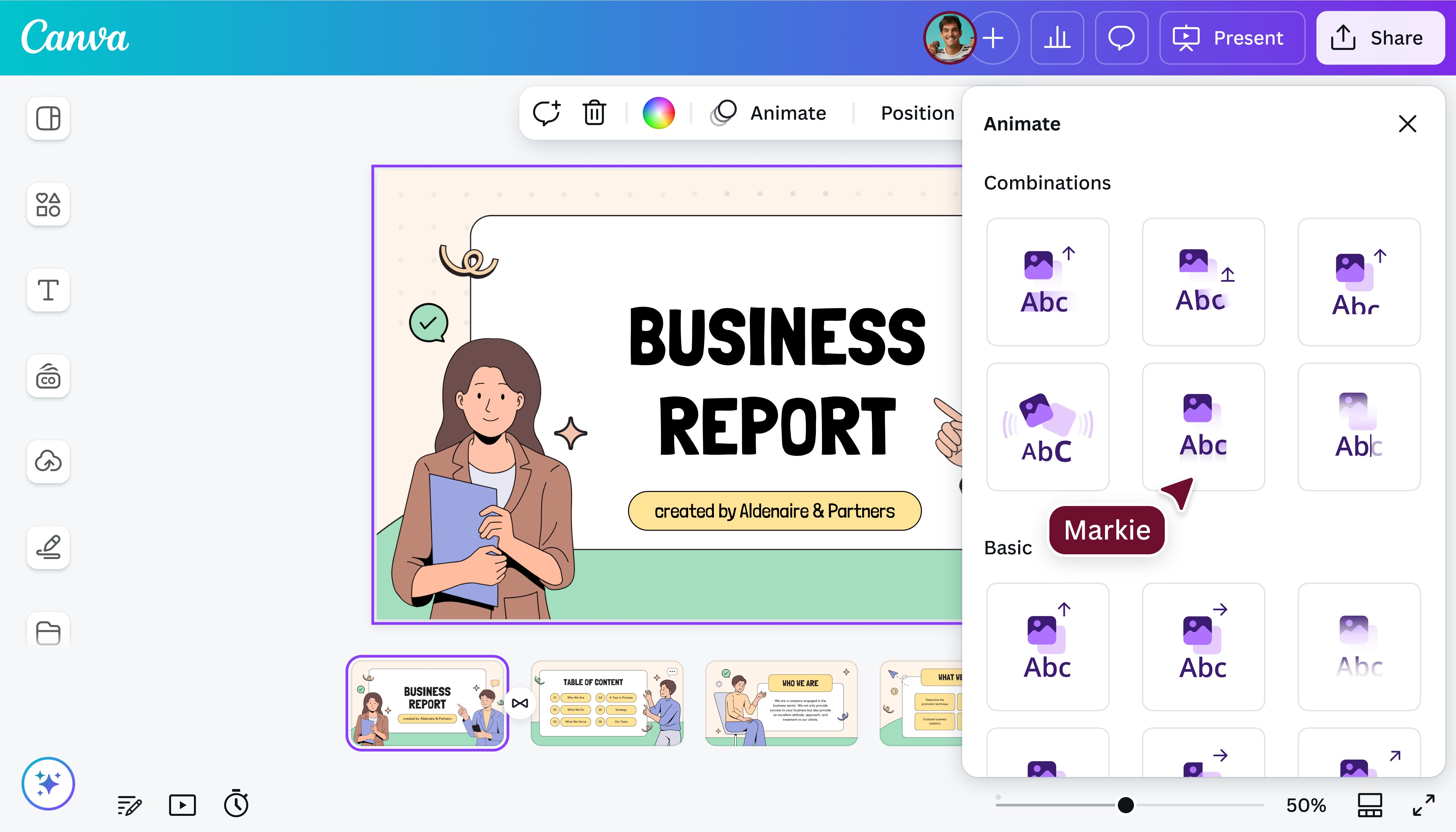
Need create photo slideshow with music online free super fast? Clideo.com loads in seconds. Upload 5 family pics for "My Village" project. It auto adds transitions. Music library has folk tunes perfect for rural life topics.
No edit needed much—just pick song, hit merge. Exports 20 second clip ready for email to ma'am. Works on feature phones too via Opera browser.
FlexClip next level. Upload blurry fair pics, it sharpens auto. Add zoom on map for "Rivers of India." Music syncs beat to photo change. Free HD download always.
Shoot photos in day light, not dim room—tools can't fix black images. One photo one fact: "Ganga starts Himalayas" with river snap. Text short sentences, no full para.
Science: Solar Eclipse
Moon photo slides over sun, dark sound effect, facts pop.
Social Studies: Freedom Fighters
Subhash photo marches in, "Delhi Chalo" tune faint.
EVS: Save Trees
Tree before-after pics fade, bird chirp music.
Math: Shapes Around Us
Circle rolls in, count voice if record.
These play 1-2 mins, cover full marks rubric.
Now you have all the steps to make animated slideshow for school projects free using tools that any student can handle. Pick up your phone after school, follow the Canva guide once, and your science fair or history homework turns into something teachers talk about in staff room.
It takes less time than copying notes from board, and next PTM parents hear only good words. Try it on weekend for Monday submission—your project on festivals or rivers will play better than anyone's. Share the video link with bench mate too, and see who gets house captain votes.
1. Which slideshow maker online free fits best for Indian school projects?
Canva does because it opens quick even on shared WiFi at coaching class, gives Diwali or Independence Day designs ready, and saves file small for pen drive to ma'am table.
2. How to create photo slideshow with music online free from phone gallery?
Open FlexClip in browser, pick 10 pics from recent clicks, tap free bhajan or drum track, hit export—ready WhatsApp forward in five minutes flat.
3. Can I make animated slideshow for school projects free during power cut?
Yes with Clideo site starts on data, works half offline if signal holds, download later when light comes back, no laptop battery worry.
4. Will free slideshow maker online free put name mark on my video?
Never on Canva basic or Adobe Express free plan. Choose tracks without red tag, download direct, clean file for school USB.
5. How many slides for animated slideshow for school projects free to impress?
Eight slides max—one title, five main photos with move, one end thanks. Runs one minute, holds class attention till last row.