Free AI Image Generator Tools Review: Best Tools to Try in 2026
Finding a free AI image generator that does not waste your time is harder than it should be. Every tool...
Gadgets & Technologies Are Together
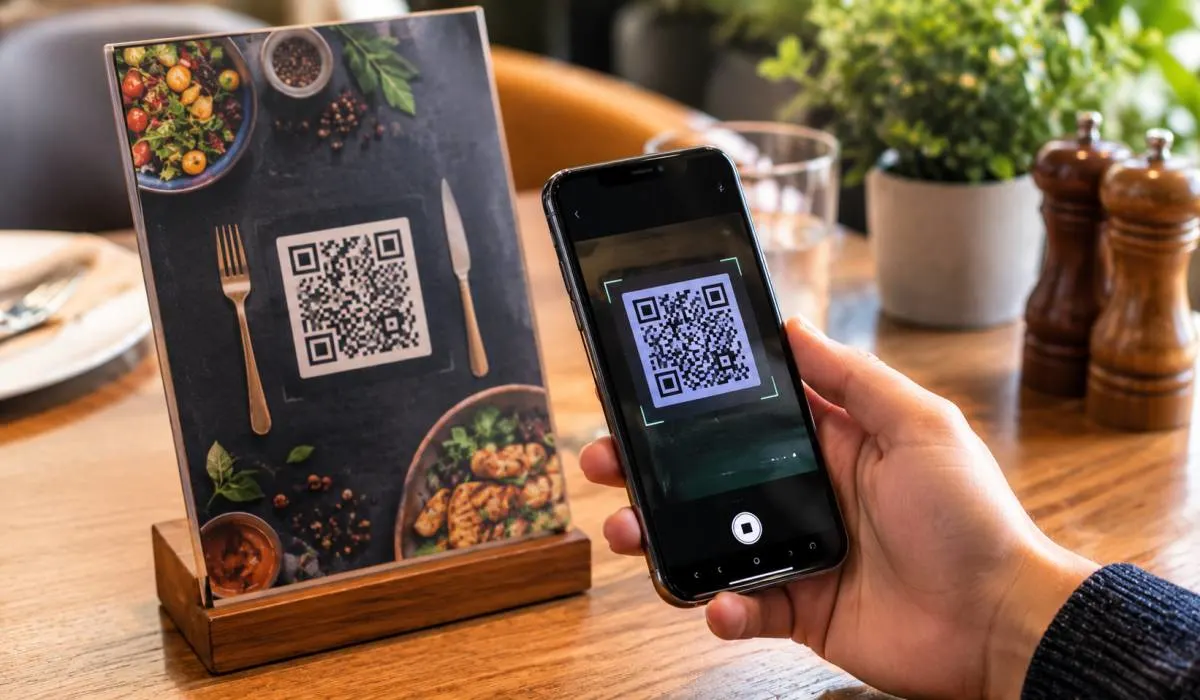
QR codes are everywhere now. Restaurant menus, Product packaging, Event check-ins, Wi-Fi sharing. Having a reliable scanner on your phone is not optional anymore. The good news is you do not need to pay for one.
This best free QR code scanner apps review covers the top options for Android, Samsung, and iPhone. Google Lens is already on most Android phones. QR Pro is the best free pick for iPhone. ZXing is best for privacy. Gamma Play and TeaCapps offer the most features. We tested each one for speed, ads, permissions, and offline use. No subscriptions. No watermarks just scanners that work.
Google Lens is already on most Android phones. It comes built into the camera app or through the Google app. No download needed. No ads. No tracking .
Point your camera at any QR code or barcode. The result appears instantly. You can open URLs, connect to Wi-Fi, or search products without leaving the camera interface.
Read More: Best AI Transcription Tool Review: Which One Should You Use?
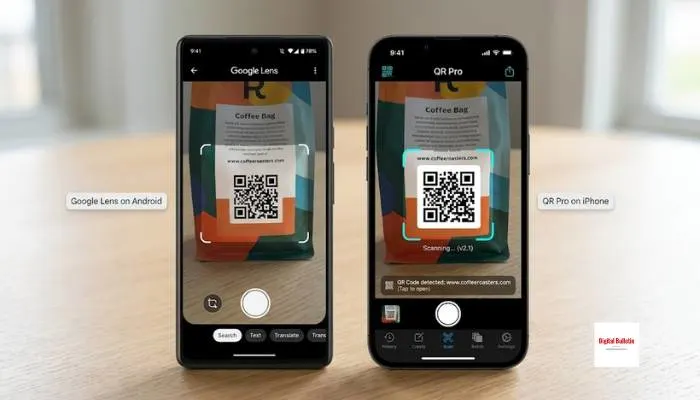
QR Pro is a free, ad-free scanner built for the Apple ecosystem. It works on iPhone, iPad, Mac, Apple Watch, Apple TV, and Apple Vision Pro .
The app supports QR codes, barcodes, Aztec, Data Matrix, PDF417, UPC, EAN, ITF, Code 39, Code 93, and Code 128. It also includes a code generator for links, Wi-Fi, contacts, and more.
ZXing (pronounced "zebra crossing") is the open-source scanner that most Android QR apps are built on. It has no ads, no analytics, no third-party SDKs, and no server connections. Everything stays on your device .
The app supports QR, Data Matrix, Aztec, UPC, EAN, Code 128, Code 39, ITF, Codabar, and RSS/Expanded formats.
Gamma Play's scanner is one of the most-downloaded QR apps on Google Play. It scans QR codes and barcodes, keeps a full history, and can generate codes for text, contacts, and Wi-Fi .
The scan is fast. The result screen shows the raw URL before you tap, which helps you spot suspicious links.
Samsung phones come with Google Lens built into the camera. For most users, that is enough. But if you want more features, here are the best options.
This is a clean, modern scanner with all the features you need. It supports every common format including QR, Data Matrix, Aztec, UPC, EAN, and Code 39 .
The app includes a QR generator, scan history, CSV export, and custom search options. It uses Chrome Custom Tabs with Google Safe Browsing to protect against malicious links .
This app is free, open-source, and powered by Google's ML Kit and CameraX. It supports QR, Data Matrix, Aztec, UPC, EAN, and more .
The app includes a QR generator, scan history with favorites, adaptive themes, and export as SVG or PNG.
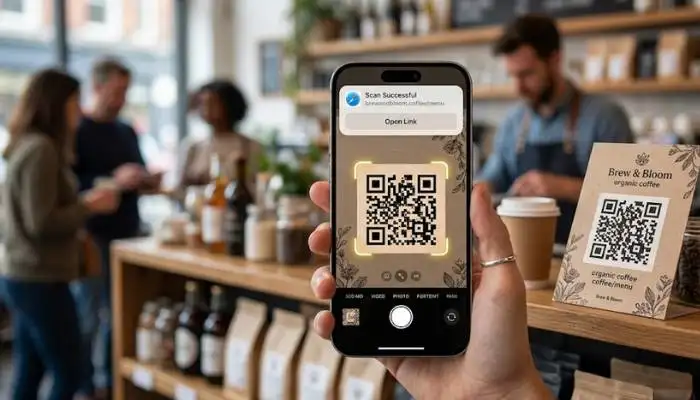
iPhone users have several strong free options.
QRio is a free scanner and generator that works completely offline. No account needed. No data collected. Everything stays on your device .
It supports all major formats including QR, EAN, UPC, Code 39, Data Matrix, PDF417, and Aztec. The app includes scan history, vCard saving, and Wi-Fi connection without passwords.
This app is completely free with no ads, no subscriptions, and no limits. It uses AVFoundation for fast scanning and includes a QR generator .
The app has three scan modes: Auto (instant capture), Manual (review before saving), and Batch (rapid continuous scanning for events or inventory) .
You May Also Read: Best Video Editing Software Review: Top Tools for 2026
| App | Platform | Ads | Scan History | Generator | Offline | Best For |
|---|---|---|---|---|---|---|
| Google Lens | Android | No | No | No | No | Occasional scanning |
| QR Pro | Apple | No | Yes | Yes | Yes | iPhone users |
| ZXing | Android | No | No | No | Yes | Privacy |
| Gamma Play | Android | Yes | Yes | Yes | Yes | Full features |
| TeaCapps | Android | Yes | Yes | Yes | Yes | Safety features |
| QRio | iPhone | Yes | Yes | Yes | Yes | Privacy |
| QR Scanner | iPhone | No | Yes | Yes | Yes | Speed and batch |
The best free QR code scanner app depends on your platform and needs. Google Lens is the easiest option for Android because it is already on your phone. QR Pro is the best free pick for iPhone with no ads or tracking. ZXing is the best for privacy-focused users. Gamma Play and TeaCapps offer the most features if you do not mind ads.
Start with Google Lens if you have Android. Try QR Pro if you have iPhone. Both are completely free and handle most scanning needs. Upgrade to a more feature-rich app only if you need scan history, batch scanning, or code generation regularly.
Google Lens for Android. Already on your phone. No download. No ads. For iPhone, QR Pro. Free. No ads. No tracking.
No. Google Lens is in the camera. Just point it. Want more features? Try TeaCapps.
Most are. Check permissions. A scanner only needs camera access. If it wants contacts or location, skip it. TeaCapps checks links with Google Safe Browsing.
Yes. QRio, QR Scanner, ZXing, and Gamma Play work without internet. Good for Wi-Fi codes or poor signal.
Some do. Gamma Play and TeaCapps show ads. Google Lens, QR Pro, ZXing, and QR Scanner do not.
ZXing for Android. QRio for iPhone. Both work on your device. No tracking. No data collection.
Yes. QR Pro, Gamma Play, TeaCapps, QRio, and QR Scanner all make codes. Links. Wi-Fi. Contacts. More.
QR Scanner for iPhone. Three modes. Auto. Manual. Batch. Batch scans fast for events or inventory.