How Blockchain Features Improve Security | Blockchain Guide
Bitcoin made blockchain famous but blockchain is bigger than crypto. It changes how we store and share data old systems...
Gadgets & Technologies Are Together
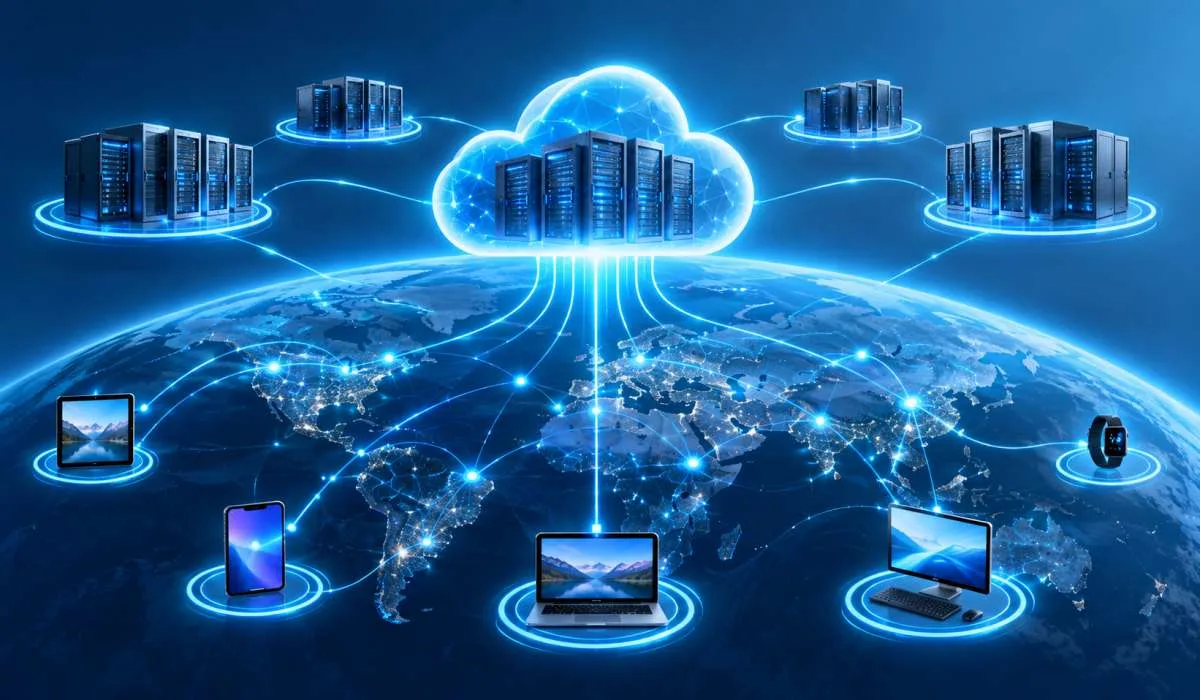
Cloud computing is everywhere. You use it when you save a file to Google Drive you use it when you stream a movie. You use it when you check email. But most people do not know what makes it work. This article explains cloud computing features in simple terms. We cover the seven core characteristics. On-demand self-service. Broad network access resource pooling, rapid elasticity, measured service virtualization and resilience.
We also cover the advantages and disadvantages. Cost savings and scalability. Internet dependency and security concerns Plus the three service models IaaS, PaaS, and SaaS. Just clear explanations to help you understand how the cloud actually works.
Cloud computing means using computing resources over the internet. Instead of buying your own servers and storing data on your own hardware, you rent what you need from a provider. You pay for what you use. You access everything through the internet.
Think of it like electricity. You do not build your own power plant. You plug into the grid and pay for what you consume. Cloud computing works the same way.
Read More: Website Features Checklist for Beginners: 20 Must-Haves
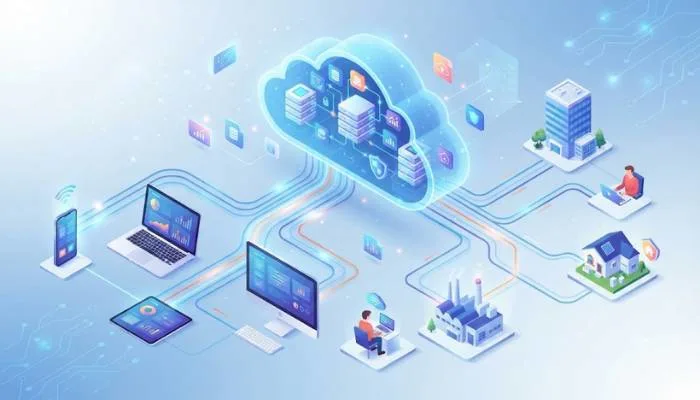
These are the core features that define cloud computing.
You can provision resources whenever you need them. No phone calls. No waiting for IT. No human interaction required .
Example: You need a new server for a project. You log into AWS or Azure. You click a few buttons. The server is ready in minutes. You did not talk to anyone.
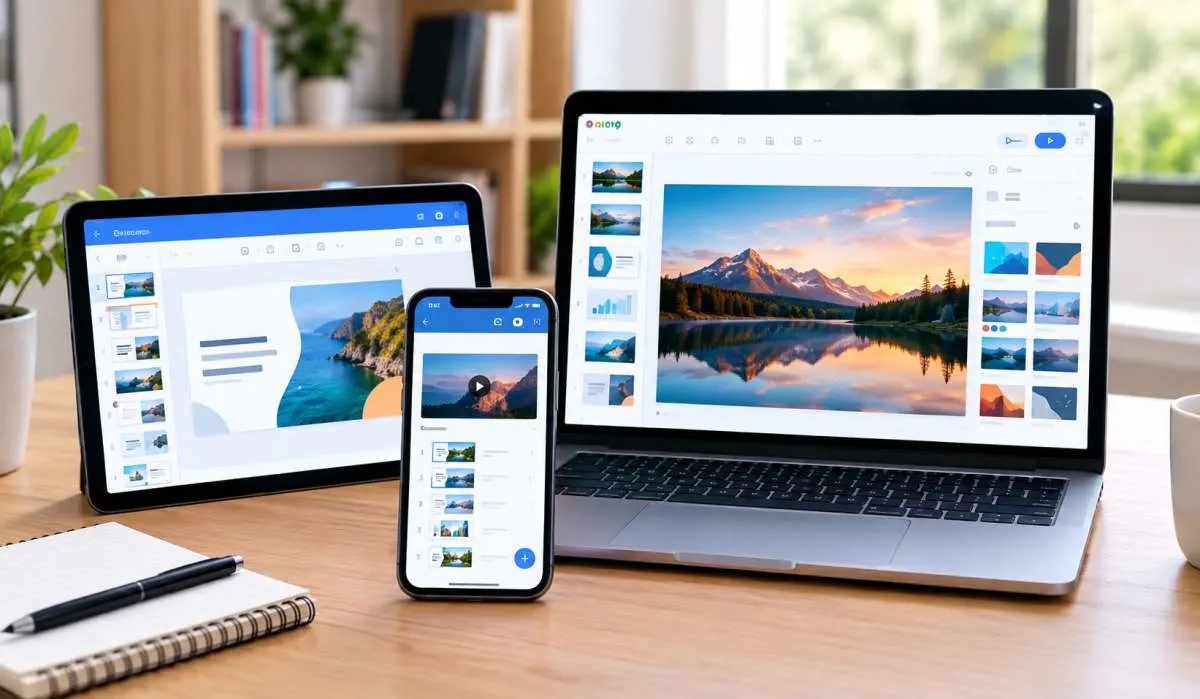
Cloud services are available over the network. You can access them from anywhere. Laptop. Phone. Tablet. Office. Home. Coffee shop .
Example: You start a document on your work computer. You finish it on your phone during your commute. You review it on your tablet at home. The file is always there.
The provider's resources are shared among many users. This is called multi-tenancy. You do not know or care where your data physically sits. It is pooled with others .
Example: Your data might be on a server in another country. You do not know. You do not need to know. It just works.
Resources scale up or down quickly. Demand spikes? Add more. Demand drops? Remove them. You are not stuck with capacity you do not need .
Example: An online store gets a traffic surge during a sale. Cloud resources automatically scale up to handle it. After the sale, they scale back down.
You pay for what you use. Usage is monitored and billed. No flat fees for unused capacity .
Example: You use 100 hours of computing time this month. You pay for 100 hours. Next month you use 50. You pay for 50.
Physical resources are abstracted into virtual ones. Multiple virtual machines can run on one physical server. This improves efficiency and reduces cost .
Example: One physical server can host 20 virtual servers. Each virtual server acts like its own computer. But they share the same hardware.
Cloud providers build redundancy into their systems. If one server fails, another takes over. Data is replicated across multiple locations .
Example: A data center loses power. Your application keeps running because it is also hosted in another location.
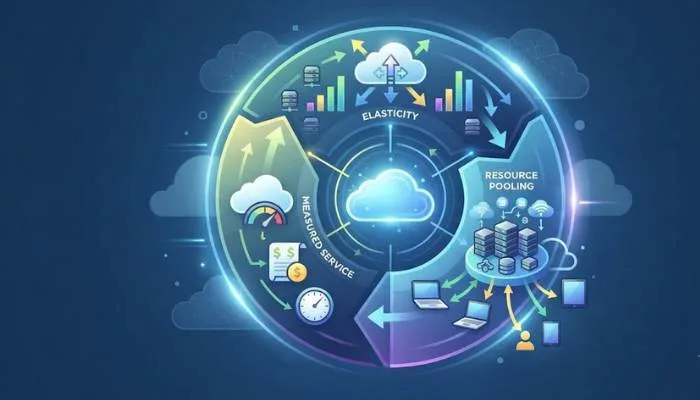
If you only remember six things, remember these:
| Feature | What It Means |
|---|---|
| On-Demand Self-Service | Get resources without human help |
| Broad Network Access | Access from any device, anywhere |
| Resource Pooling | Shared infrastructure serves many users |
| Rapid Elasticity | Scale up or down quickly |
| Measured Service | Pay only for what you use |
| Virtualization | Physical hardware split into virtual resources |
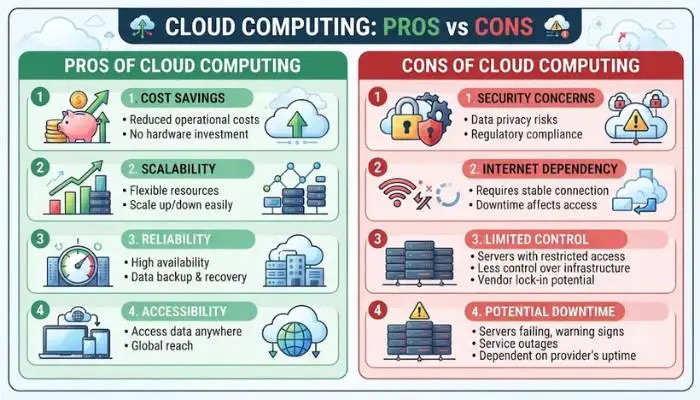
Cloud computing offers real benefits.
Cloud computing is not perfect. Here are the downsides.
You May Also Read: Google Workspace vs Microsoft 365: Which One Is Better?
Cloud computing comes in three main models.
Cloud computing features explain why it has become the default for businesses and individuals. On-demand self-service. Broad network access. Resource pooling. Rapid elasticity. Measured service. Virtualization. Resilience.
These features deliver real advantages: cost savings, scalability, accessibility, and automatic updates. But there are drawbacks: internet dependency, security concerns, limited control, and vendor lock-in.
The cloud is not perfect. But for most use cases, it is the best option available. Understanding the features helps you use it better.
Using computers over the internet. You do not own the hardware. You rent it. Gmail is cloud. Google Drive is cloud. Netflix is cloud. You pay for what you use.
On-demand self-service. Broad network access. Resource pooling. Rapid elasticity. Measured service. Virtualization. Resilience. These are the core features.
IaaS gives you raw infrastructure. You manage it. PaaS gives you a platform to build on. SaaS gives you finished software. Gmail is SaaS. AWS EC2 is IaaS.
Mostly yes. Big providers have strong security. But your data sits on their servers. You trust them. Breaches happen. Check what they do and what you need to do.
Cost savings. No upfront hardware. Pay for what you use. Scalability. Add or remove resources fast. Access from anywhere. Automatic updates. Disaster recovery. Data copied to multiple locations.
Need internet. No connection, no access. Security worries. Data on someone else's servers. Limited control. Vendor lock-in. Moving is hard. Ongoing costs add up.
Scaling fast. More demand? Add resources. Less demand? Remove them. You do not pay for what you do not need. A store can handle a sale surge without buying servers.
Pay for what you use. Usage is tracked. No flat fees for unused capacity. Use 100 hours, pay for 100. Use 50, pay for 50. Like a utility bill.