How to Protect Personal Data from AI: Practical Steps That Work
AI tools collect more data than most people realise. Every prompt you type. Every file you upload. Every conversation you...
Gadgets & Technologies Are Together
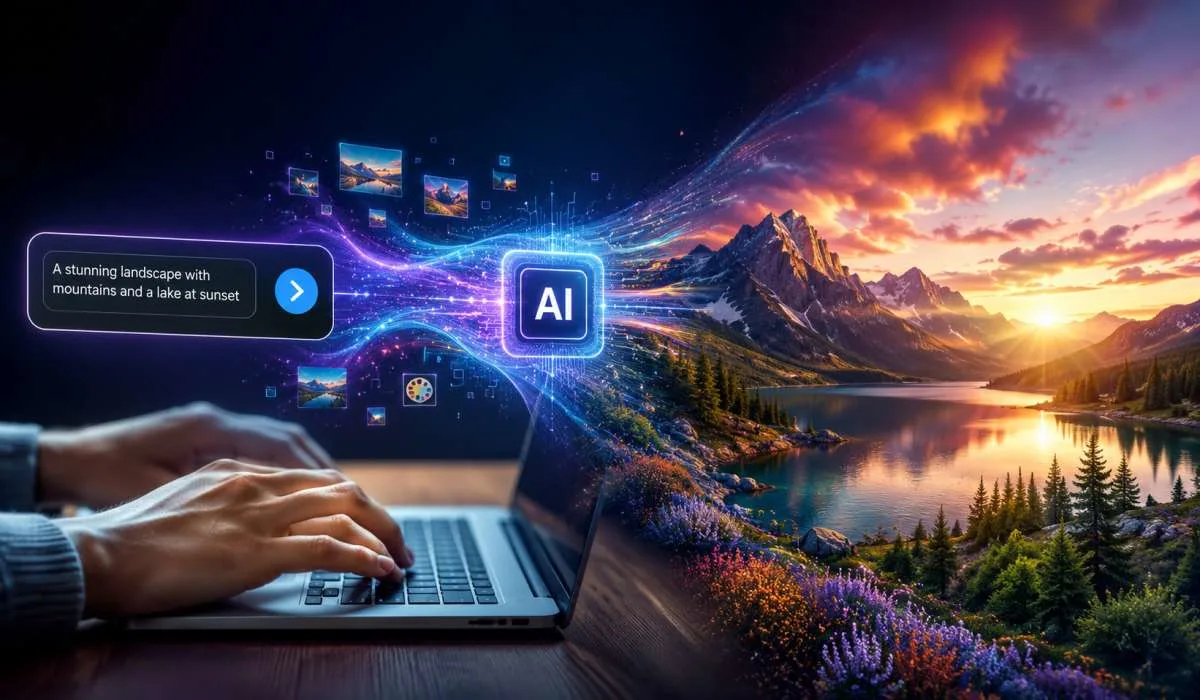
You have probably seen those stunning AI images online. A person types a few words and the computer creates a picture. It looks like magic. But it is actually quite simple to do yourself. And the best part? You can do it for free.
This guide shows you how to make AI images from text using free tools. No technical skills needed. Just your imagination and a few minutes.
AI image generators turn your words into pictures. You type a description. The AI understands your text and creates an image based on it. Different models give different results. Some look photorealistic. Others look like paintings or anime.
The technology works by using machine learning models trained on millions of images. When you type a prompt, the AI figures out what you want and generates the pixels . You do not need to know how it works on the inside. Just type and generate.
Read More: How to Choose the Best VPN Service in 2026
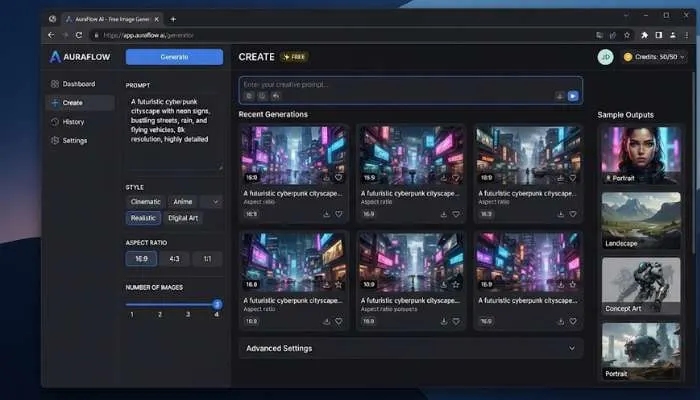
There are many free tools available. Some require you to sign up. Others do not. Here are some of the best options.
Nano Banana is Google's fastest image model. It is completely free and does not require a sign-up . You just type your prompt and hit generate.
This is a tool that runs in your browser. No sign-up. No API key. No paywall . It uses models like FLUX and Stable Diffusion.
Goblin AI offers unlimited free image generation. No sign-up required . It supports over 30 different models for various styles.
Pollinations provides free text and image generation APIs. No API key required . You can use it through Python or directly.
Adobe Firefly is a browser-based tool that creates commercially-safe images . You need an Adobe account, which is free.
The process is similar across most tools. Here is a simple walkthrough.
Choose one from the list above. Nano Banana and FreebieAI do not require sign-up. Adobe Firefly requires a free account.
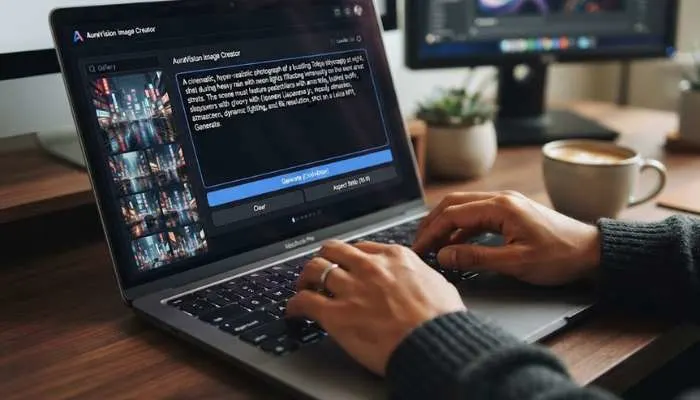
This is the most important part. Write a clear description of what you want.
Bad prompt: "A cat"
Good prompt: "A fluffy orange cat sitting on a wooden table, natural lighting, photorealistic style"
Be specific about:
Some tools let you change settings before generating .
Hit the generate button. Wait a few seconds. Review the image. If it is not what you want, tweak your prompt and try again.
Once you are happy with the result, download the image. Most tools have a download button.
Here are some practical tips to get better images .
Do not just say "dog." Say "golden retriever puppy playing in a park, sunny day, grass and flowers, professional photography." The AI needs details to create a good image.
Some tools let you specify what you do not want. For example, "no blurry, no distorted, no extra limbs." This helps the AI avoid common problems.
The same prompt gives very different results across models. Try a few to find the style you like .
Do not expect perfect results on the first try. Generate, tweak, and generate again. Small changes to the prompt can make a big difference.
You May Also Read: How to Use AI Agents for Customer Support Effectively
AI images are useful for many things.
Making AI images from text is easy and free. You do not need any special skills. Just a tool and a good prompt. Start with one of the free generators mentioned above. Write a clear description. Generate. Tweak your prompt if needed. Download your image.
The more you practice, the better your prompts will become. And the better your images will look. Start creating today.
Yes. The tools listed above are free to use. Some have limits on the number of images. Others are completely unlimited. FreebieAI, Goblin AI, and Pollinations AI do not charge anything.
Some tools do not require sign-up. Nano Banana and FreebieAI work without accounts. Adobe Firefly needs a free Adobe account. Goblin AI and Pollinations AI can be used without sign-up.
It depends on what you need. Nano Banana is the fastest. FreebieAI offers multiple models. Adobe Firefly produces commercially-safe images. Try a few to see which works best for you.
Adobe Firefly is specifically designed for commercially-safe images. Other tools may have restrictions. Check the terms of service before using images for business.
Start with something simple and specific. Example: "A peaceful beach at sunset, warm orange and pink sky, palm trees silhouettes, 4K." Then adjust based on the results.