Best Free QR Code Scanner Apps Review: Top Picks for Android and iPhone
QR codes are everywhere now. Restaurant menus, Product packaging, Event check-ins, Wi-Fi sharing. Having a reliable scanner on your phone...
Gadgets & Technologies Are Together
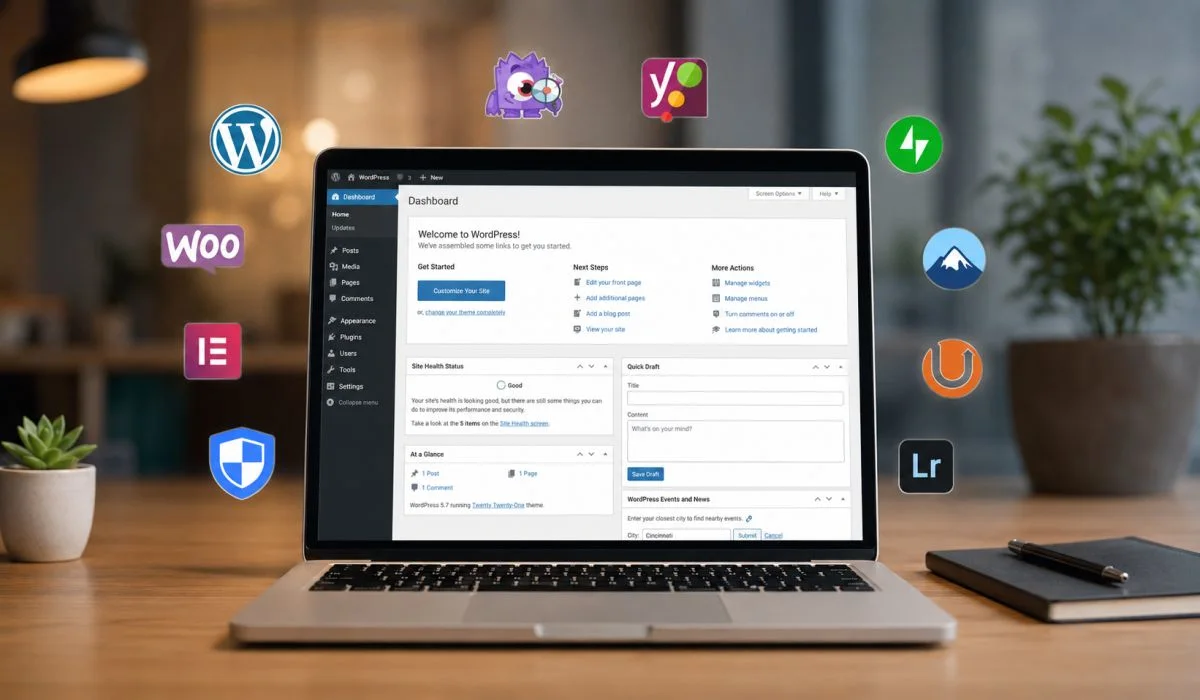
WordPress powers over 40% of the web. One big reason is plugins. These are small pieces of software that add features to your site. You can add contact forms, improve SEO, speed up your pages, or even start an online store. All without writing code.
But there is a catch. With over 60,000 free plugins in the official directory, finding the right ones is tough . Some are great. Others are not. Some slow down your site. Others leave you open to hackers.
This article gives you honest WordPress plugin reviews. We look at what works, what does not, and how to pick the right tools.
WordPress is a bare-bones system out of the box. You get the basics. But to make a professional website, you need more .
Need a contact form? Plugin. Want your site to rank on Google? Plugin. Worried about hackers? Plugin. Each plugin adds a specific feature without you touching code .
The problem is stacking too many. Start with one plugin for SEO. Add one for forms. Then one for speed. Then another for security. Before you know it, you are managing a stack of tools. Each with its own updates and settings .
Read More: Best SaaS Tools Review for Startups in 2026
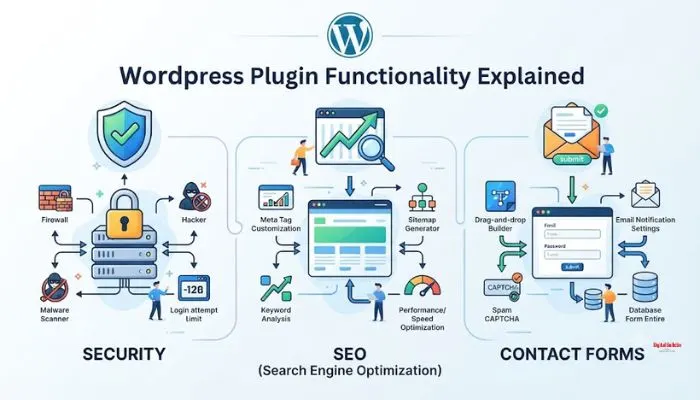
Here are some of the best free WordPress plugin reviews based on real user feedback and independent testing.
Search visibility matters. A good SEO plugin handles the technical work.
If you run a business, customer reviews matter. Showing reviews on your site builds trust. Several plugins help with this.
[site_reviews_form]. To show your latest reviews, use [site_reviews]. To show the rating summary, use [site_reviews_summary] .If you are using the Site Reviews plugin, here are the basic shortcodes :
| Shortcode | What It Does |
|---|---|
[site_reviews_form] |
Displays the review submission form |
[site_reviews] |
Displays your latest reviews |
[site_reviews_summary] |
Displays the rating summary |
If you want to show a "load more" button, use [site_reviews pagination="loadmore"] .
Note that shortcodes require attention. Copying the wrong example can show nothing. Read the documentation carefully .
You May Also Read: Best AI SEO Tool Reviews for Small Businesses in India (2026 Guide)
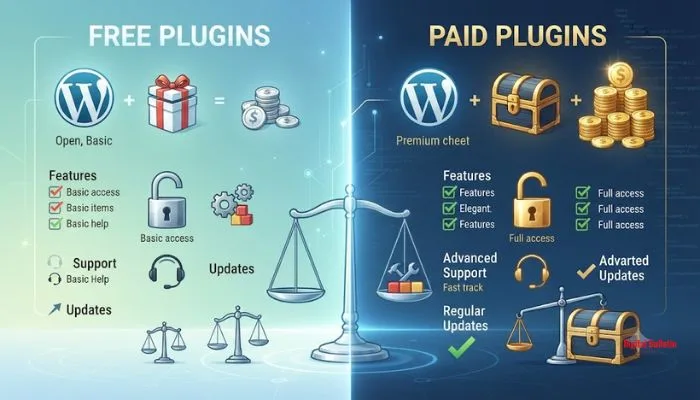
Free plugins are a great starting point. They let you add essential features without cost . But they have limits.
Pros of free plugins :
Cons of free plugins :
Paid plugins offer advanced features, dedicated support, and regular updates. If your business depends on the site, paid is often worth it.
Plugins can cause issues if not managed properly. Here are some tips .
WordPress plugins are powerful tools. They let you build almost any website without code. The key is choosing the right ones. Focus on security, SEO, speed, and forms. Add review plugins if you need social proof. And always manage your plugins carefully. Pick reliable sources. Limit the number. Keep them updated.
These WordPress plugin reviews should help you make better choices. The right tools make your site faster, safer, and more useful. The wrong ones cause headaches. Choose wisely.
Site Reviews is a solid choice. It is free and gives you shortcodes to display reviews anywhere. You can show the form, the review list, and the rating summary. Review Deck is another good option. It lets you import reviews from Google, Yelp, and Facebook. Both work well for collecting and showing customer feedback.
Start with security. Wordfence is the most trusted. Then add a caching plugin like WP Super Cache to keep your site fast. An SEO plugin like Yoast or Rank Math helps people find you. A contact form plugin like WPForms Lite gives visitors a way to reach you. Akismet handles spam. These five cover the basics.
It is simple. Use [site_reviews_form] to show the review form. Use [site_reviews] to show your latest reviews. Use [site_reviews_summary] to show the rating summary. If you want a load more button, use [site_reviews pagination="loadmore"]. Copy the shortcode and paste it into any page or post.
Most free plugins from the official WordPress directory are safe. They go through a review process. But not all free plugins are equal. Some are abandoned. Others are poorly coded. Before you install, check the user reviews. Look at the last update date. Make sure it is active and maintained.
Installing too many. It slows down your site. Each plugin adds code that has to load. Too many plugins can also cause conflicts. One plugin breaks another. The solution is simple. Only install what you actually need. Delete plugins you are not using. Keep your list clean and updated.