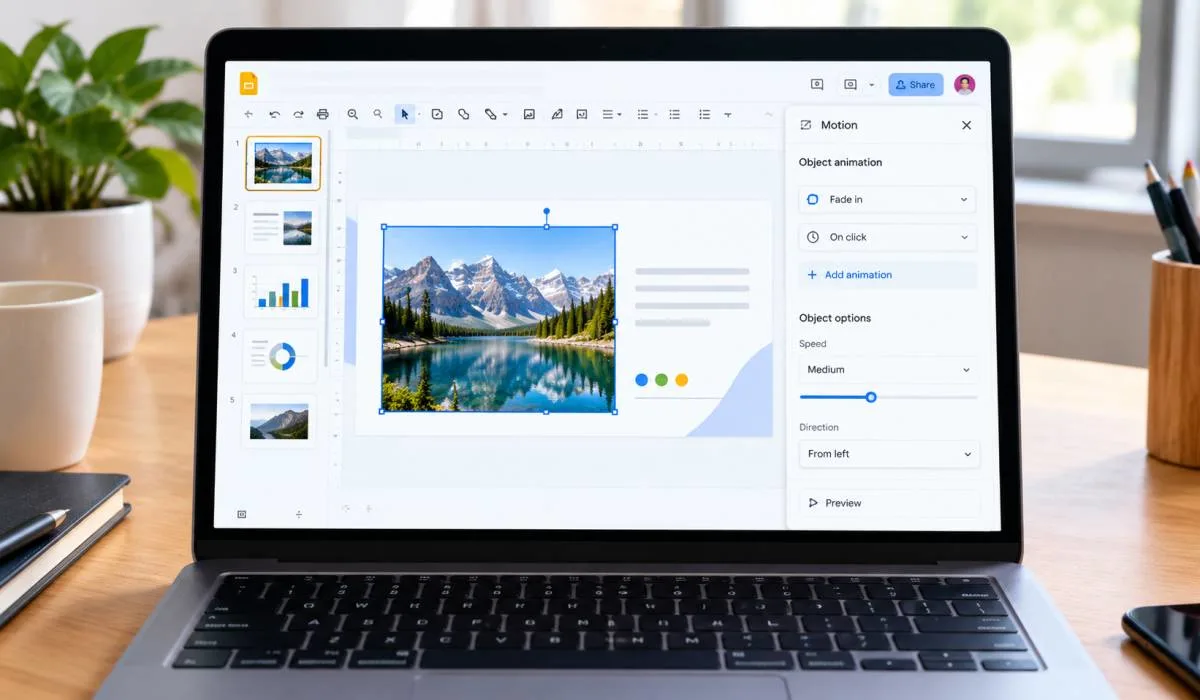
How to Create an Animated Slideshow in Google Slides: Step-by-Step Guide
Google Slides can do more than static slides. You can make objects fly in, fade out, or spin. You can...
Gadgets & Technologies Are Together
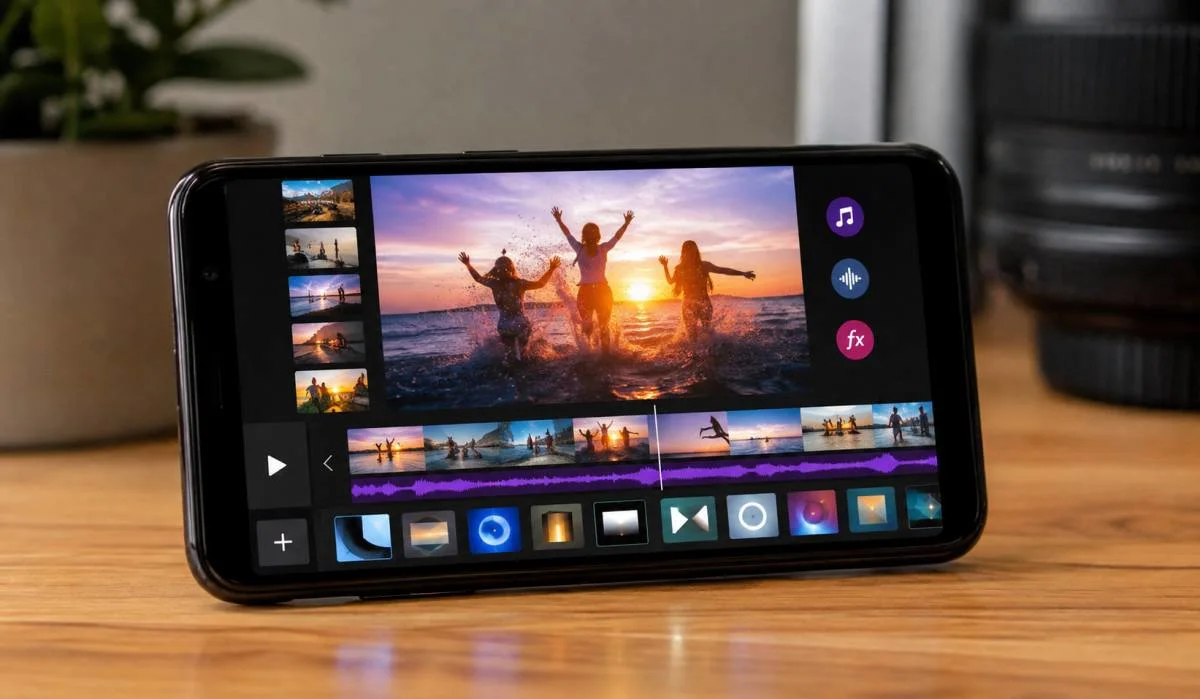
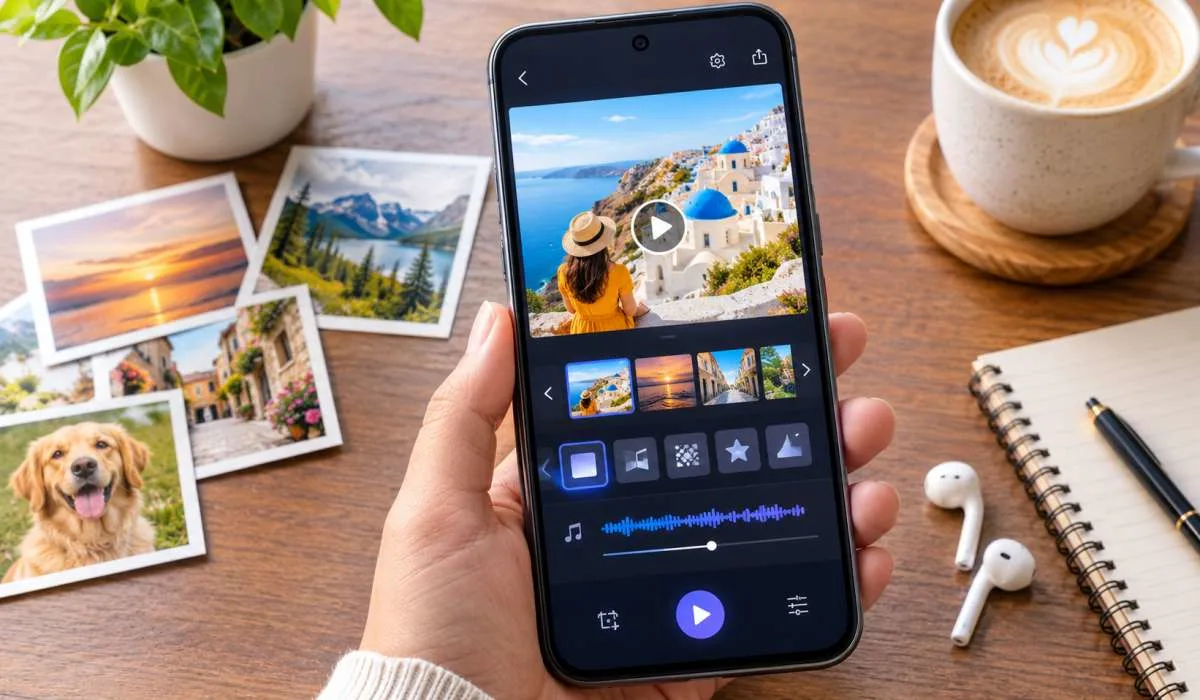
You have hundreds of photos on your phone. You want to turn them into a beautiful video. Maybe it is for a birthday. Maybe it is for a wedding or a holiday. A good slideshow app helps you do this in minutes.
The best slideshow apps for Android let you add music, choose transitions, and share your creation easily. Some are completely free. Some have no watermark. Others let you add your own music without paying. Here are the best options available right now.
Not all slideshow apps are the same. Some are easy to use. Some have more features. Here is what you should look for.
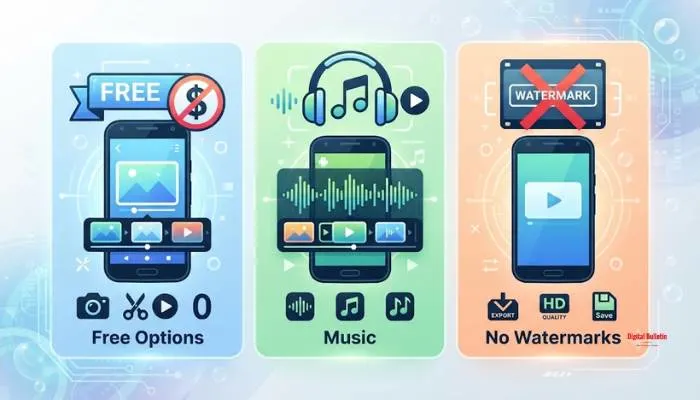
Many apps are free to download. But they may have limits. Some show ads. Some put a watermark on your video. Some limit the number of photos you can use. If you want the best slideshow app free, look for one that offers a good free version. Some apps let you use all features without paying. Others offer a free trial.
Music makes a slideshow special. The best slideshow app with music free lets you choose from built-in tracks. It should also let you use your own songs. Some apps let you trim the music to fit your video.
Many free apps add a watermark to your videos. This is the app's logo on your finished video. If you want a clean video, look for a best slideshow app without watermark. Some apps offer this in the free version. Others require a paid upgrade.
You want an app that is simple. You should not need to read a manual. The app should let you pick photos, add music, and save the video in a few steps.
Read More: Best Free Slideshow Templates for Digital Marketing in 2026
Scoompa is one of the most popular slideshow apps on Android. It has over 635,000 reviews and a rating of 4.7 stars . People love it because it is easy to use. You pick your photos and the app creates a video instantly.
One user said it is the best app they have tried after searching through many options . Another user likes that they can add unlimited photos and go back to edit later . The free version has ads. But the features are very good for a free app.
The free version has ads. Some users find this annoying. But you can pay to remove them. The app is free with ads and no private data is collected .
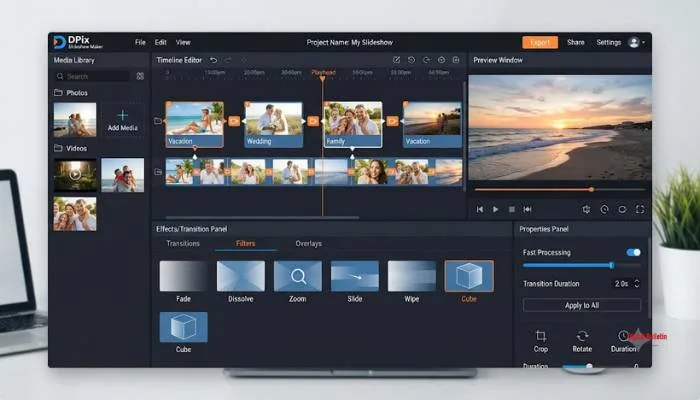
DPix is a great choice if you want no watermark. The app says it offers a "no watermark" experience in the free version . It is designed for people who want to share their videos without branding.
DPix is perfect for vloggers, social media creators, and anyone making birthday or travel videos . The app claims to have fast processing even for large albums.
Some users have reported issues with the app not editing individual pictures well. One review mentioned problems with the layout options . However, the no watermark feature is a big plus.
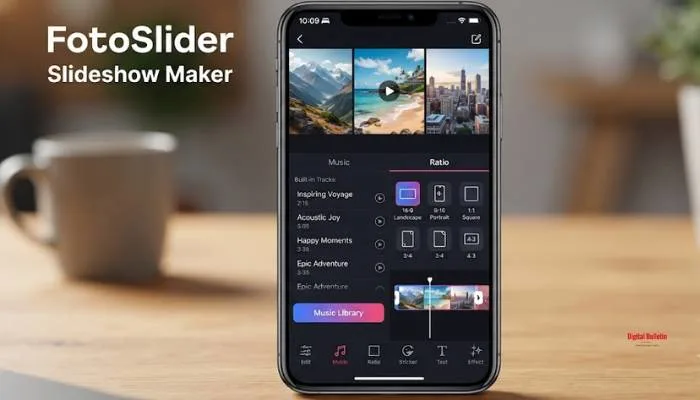
FotoSlider is another top-rated app. It has over 35,000 reviews and a rating of 4.8 stars . It is known as a photo slideshow maker with music. The free version includes many features. It also claims to have no watermark .
Users like the variety of transitions and stickers. The app lets you add popular free music in different styles like Rock, Country, Love, and Beat . It also lets you collect your favourite music.
Some users have had issues with the app deleting drafts. One review said it only shows one draft on the homepage. But the developer said you can find all your drafts by clicking the three-dot option .
InSlide has a 4.8 rating with over 69,000 reviews . It is a powerful yet easy-to-use tool. It focuses on making professional-looking slideshows quickly.
The app has a one-click transition feature that saves time . You can choose from five resolution options from 480P to 2K. This is good for sharing on different platforms.
Some features may require a paid version. The free version has limits. But the app is rated highly by users for its ease of use.
You May Also Read: How to use slideshows for storytelling in marketing
SlidePlus focuses on themes. It has over 100 themes designed by professionals . This makes it a top choice for people who want a stylish video without much work.
SlidePlus has a 4.3 rating with over 57,000 reviews . Users say it is very easy. You pick photos and a theme. The app adds transitions and music automatically.
The free version has in-app purchases for more themes and HD export. But the free themes are good enough for most people.
This app is for people who want something very simple. It lets you create slideshows in seconds.
The app has a 3.6 rating . Some users love it. One review said it is the best they have used . Others have had issues with music not playing properly.
The app is simple. It does not have as many features as others. But it works well for basic slideshows.
This app lets you add music and crop it to fit your video . It is a good choice if music is important to you.
The app has a 3.8 rating with 278 reviews . One user said it is one of the best and easiest apps they have used . Another user complained about ads blocking the edit options.
Ads can be annoying. They appear below the app and can block buttons.
| App | Rating | No Watermark | Free Music | Ease of Use |
|---|---|---|---|---|
| Scoompa | 4.7 | No | Yes | Very Easy |
| DPix | Not rated | Yes | Yes | Easy |
| FotoSlider | 4.8 | Yes | Yes | Easy |
| InSlide | 4.8 | Yes | Yes | Easy |
| SlidePlus | 4.3 | No | Yes | Very Easy |
| Photo Slideshow With Music | 3.6 | Yes | Yes | Very Easy |
| Slideshow Maker with Music | 3.8 | Yes | Yes | Easy |
Scoompa is a very good free option. It has many features and a high rating. FotoSlider is also free and has no watermark.
DPix and FotoSlider both offer no watermark in their free versions. InSlide also lets you remove the watermark.
FotoSlider has built-in music and lets you use your own. InSlide also has a good music library. Scoompa lets you import your own songs.
Yes. They are from trusted developers on the Google Play Store. Check the app permissions before installing.
Scoompa and SlidePlus are very easy. You just pick photos and the app does the rest. They are good for beginners.
Yes. Most of these apps let you import your own music. They also have built-in tracks.
Some do. DPix, FotoSlider, InSlide, and Photo Slideshow With Music offer no watermark. Others require a paid upgrade.
Yes. All these apps have share buttons. You can share directly to platforms like Instagram, TikTok, Facebook, and WhatsApp .