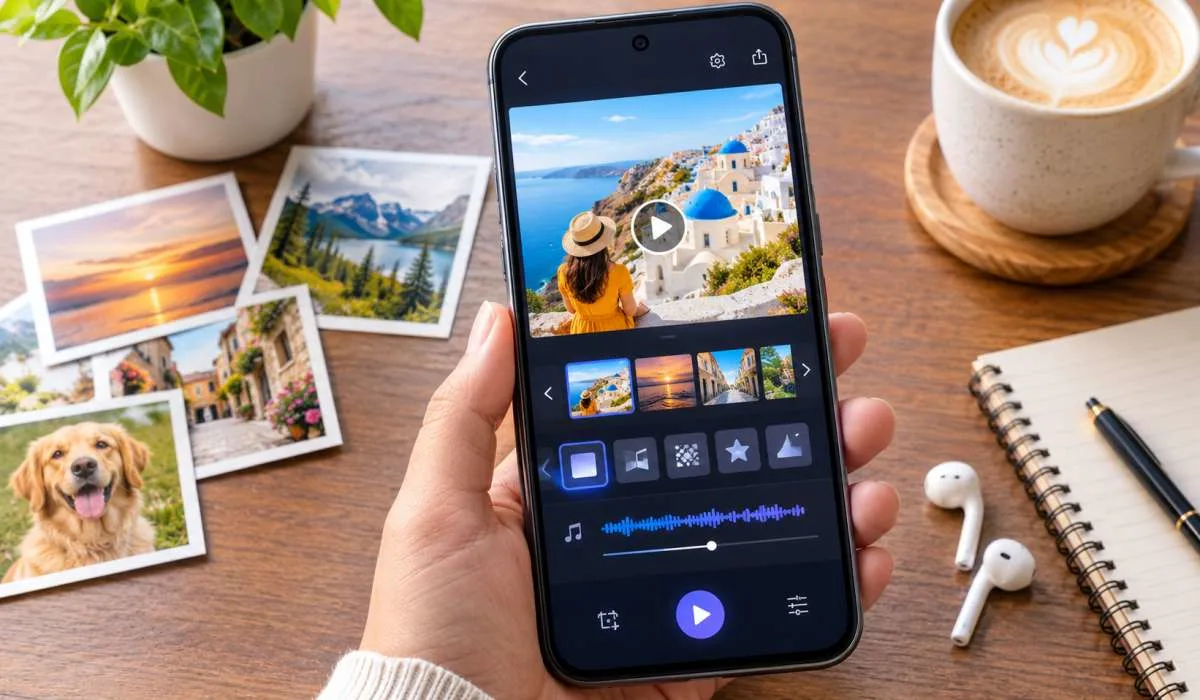
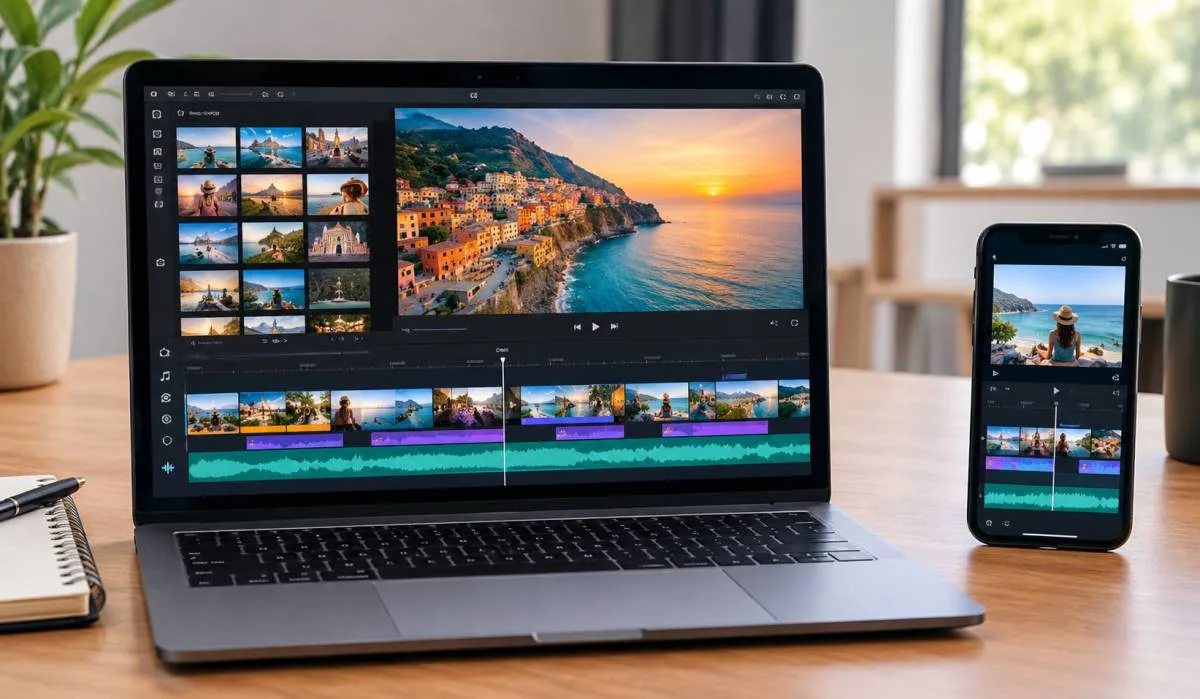
Best Free Slideshow Maker for Beginners: Top Apps and Online Tools
Making a slideshow should not be hard. You have photos on your phone. You want to turn them into a...
Gadgets & Technologies Are Together

If you work in digital marketing, you need to make slideshows. Many times. For clients. For students. For your own team. But you do not have time to design every slide from zero. And you do not have money to buy expensive tools. That is why free slideshow templates are very useful.
In this article, I will show you the best free slideshow templates for digital marketing. I will also tell you which templates are good for students. And which templates work well for PowerPoint presentations.
Digital marketing is not just about social media posts. You have to explain reports. You have to show data. You have to present campaign results. A good slideshow makes your work look clean. A bad slideshow makes people lose interest.
When you use a ready made template, you save time. You also get a professional look without hiring a designer. Free templates are perfect when you are starting out. Or when you are a student learning digital marketing. Or when your budget is very small.
Read More: Top 10 Indian Health Tech Apps 2026 Slideshow
Not every template works for marketing. Some templates are too fancy. Some are too boring. A good marketing template has these things:
The templates I will show you today have all these things. And they are completely free.
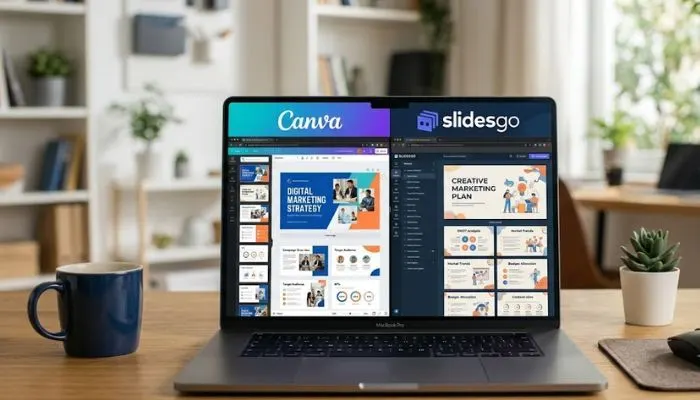
Here are the top free templates you can use right now. No sign up needed for most of them. No credit card. Just download and use.
Canva is very popular in India. Students and office workers both use it. Their free marketing plan template has 20 slides. You get a cover slide, an about us slide, a goals slide, and a results slide. You can change colours with one click. You can add your own photos. The best part is you do not need any design skill.
Slidesgo gives you free templates for Google Slides and PowerPoint. Their digital marketing pack has graphs, pie charts, and bar charts. These are very useful when you show website traffic or ad spend data. The template uses light blue and white. So it looks professional but not loud.
This template is made for people who run social media pages. It has slides for Instagram reach, Facebook engagement, and Twitter impressions. You can put screenshots of your posts. You can also add a slide for next month's plan. The template is simple. Even a first year student can edit it.
Freepik is another free resource. Their agency template has 30 slides. That is a lot for a free template. You get slides for team introduction, client feedback, project timeline, and final results. The template uses modern shapes. But it does not look childish. It is good for client meetings.
Google Slides has a hidden free template section. One template is called Marketing Metrics. It has number focused slides. You can show cost per click, conversion rate, and return on ad spend. The template is very plain. That is actually good because you can make it your own without fighting the design.
Students have different needs. You do not have client meetings. But you have assignments, project submissions, and class presentations. Teachers like clean slides. They do not like too many animations or dark backgrounds.
Here are templates made for students.
This template is free for students using Canva for Education. You get a title slide, a problem statement slide, a research method slide, a solution slide, and a conclusion slide. Each slide has a small icon. But the icon does not take away space from your writing. You can finish your project in one hour using this template.
This pack has pastel colours. Pastel is easy on the eyes. The slides have placeholders for bullet points. You do not have to align anything. Just type your text and it fits. Many Indian college students use this template for their digital marketing assignments. It works well for both online and offline presentations.
This website gives you a free PowerPoint template. It has 15 slides. The layout is left side for text and right side for image. This is very good for case study presentations. You can show a brand logo on one side and your analysis on the other side. Teachers like this format because it is easy to follow.
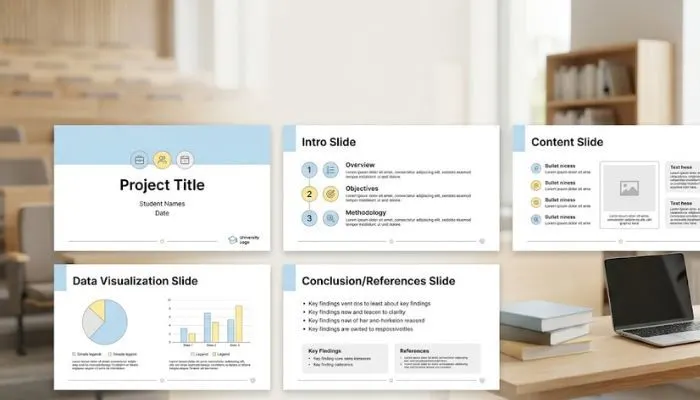
Many people in India still use PowerPoint. Not everyone has internet for Google Slides. Not everyone wants to learn new software. So I have picked templates that work inside Microsoft PowerPoint. No extra tool needed.
Microsoft has a free template called Marketing Dashboard. It comes inside PowerPoint if you search online templates. This template has speedometer charts, progress bars, and goal trackers. You do not need Excel. Everything works inside PowerPoint. This is very useful for monthly review meetings.
SlideModel gives one free download per day. Their mini deck has 8 slides. It is small but powerful. The slides are for campaign overview, key performance indicators, budget breakdown, and next steps. Because it is small, you can finish editing in 20 minutes. That is perfect for last minute presentations.
Hislide has a free strategy template for PowerPoint. It uses dark green and white. The font is big and bold. You can read the slides from the back of the room. This template works well when you present to a large group. For example, in a college seminar or a team meeting.
You have many options now. But how do you pick one? Do not just pick the first template you see. Follow these three simple steps.
First, know your audience. If you are presenting to your teacher, pick a clean and simple template. If you are presenting to a client, pick a template with charts and numbers. If you are presenting to your team, pick a template with timeline slides.
Second, check the file type. Some templates work only in Canva. Some work only in PowerPoint. Some work in Google Slides. Make sure you can open the file on your computer or phone.
Third, see how many slides you need. If you need only 5 slides, do not download a 40 slide template. You will waste time deleting extra slides. If you need 20 slides, do not pick an 8 slide template. You will run out of space.
You May Also Read: Best Formats Slideshow Files for Web Accessibility in India
Free templates are good. But people make mistakes with them. Do not do these things.
Do not use all the default text. Many people forget to change the dummy text. Then their presentation has words like "lorem ipsum" in the final show. That looks very unprofessional.
Do not change the font to something fancy. Fancy fonts are hard to read. Stick to the font that came with the template. Most templates use Arial, Lato, or Roboto. These are good fonts.
Do not add too many photos on one slide. The template already has space for photos. If you add more, the slide becomes crowded. Your audience will not know where to look.
This article is about templates. But if you are making a slideshow for your own blog or YouTube video, remember these tips. Use your main keyword in the first slide title. Use your secondary keyword in the second slide.
Keep your file name simple. For example "digital-marketing-templates.pptx" is better than "finalpresentationfinal3.pptx". Also compress your file size. Large files take time to open. People will leave before seeing your slides.
You do not need to spend money on slideshow templates. The best free slideshow templates for digital marketing are already out there. You just have to pick the right one for your need. Students should pick simple and clean templates from Canva or Slidesgo. PowerPoint users should pick from Microsoft or SlideModel. And if you are working on a client presentation, pick one with charts and data spaces.
Do not overthink. Do not wait for the perfect template. Pick one from this list. Open it. Change the text. Add your numbers. And finish your presentation today. That is better than searching for templates for three more hours. Now go and make your slideshow. You have everything you need.
Yes. Every template listed here is free. No hidden payment. No trial period. Some websites ask you to create a free account. That is normal. But you do not have to pay money.
Yes. Many Indian students use these templates every day. Teachers do not have any problem with free templates. In fact, teachers like when the presentation looks neat.
For Canva templates, you need internet. For PowerPoint templates, you can download once and then work offline. For Google Slides templates, you need internet to open them first. Then you can enable offline mode.
Read the license of each website. Most free templates are for personal use only. Some allow commercial use. Do not assume. Check the footer of the website before selling.
You can change any template completely. Change colours. Change fonts. Move things around. Free templates are just a starting point. You are allowed to edit them fully.