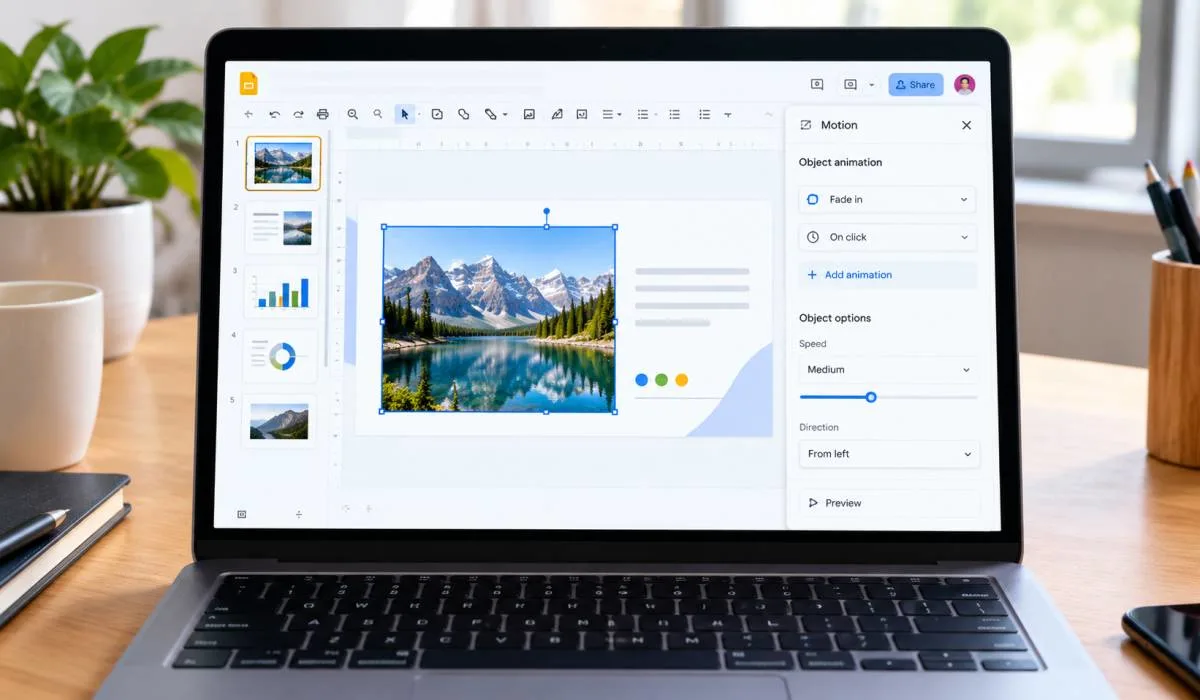
How to Create an Animated Slideshow in Google Slides: Step-by-Step Guide
Google Slides can do more than static slides. You can make objects fly in, fade out, or spin. You can...
Gadgets & Technologies Are Together
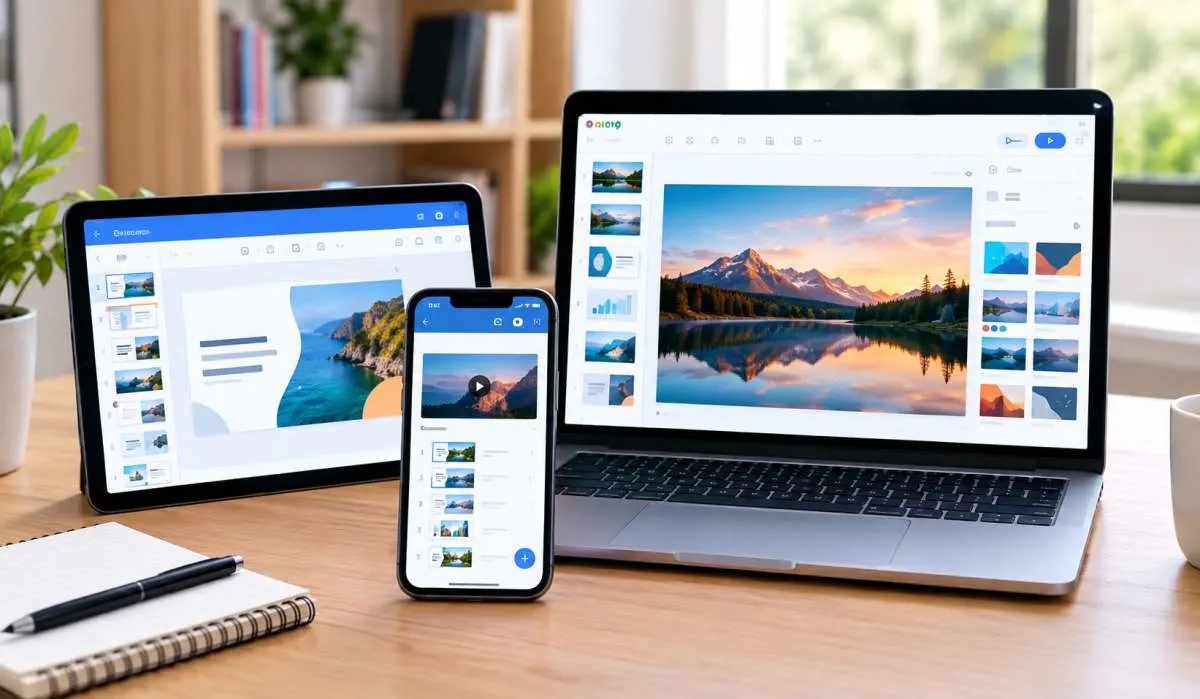
Making a slideshow used to be painful. Expensive software. Hours of learning. Not anymore. Free tools now do the job well. Music. Transitions. Effects. All without paying. The hard part is picking one. This guide covers the best free slideshow maker options for 2026.
Canva for design control. DPix and FotoSlider for mobile. SLIDEZ for speed, no signup needed. PowerDirector for AI automation. PhotoStage for big photo collections. Bolide for a lightweight Windows tool. We break them down by platform. Find what fits your device. Start free. Upgrade only if you hit real limits.
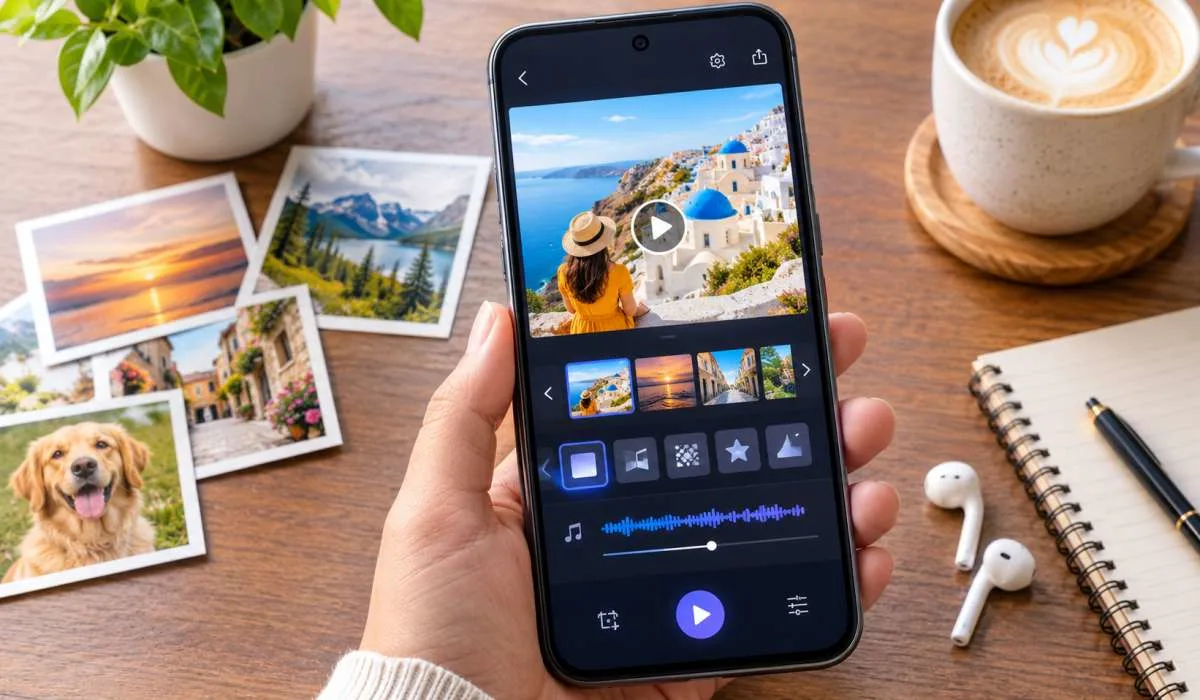
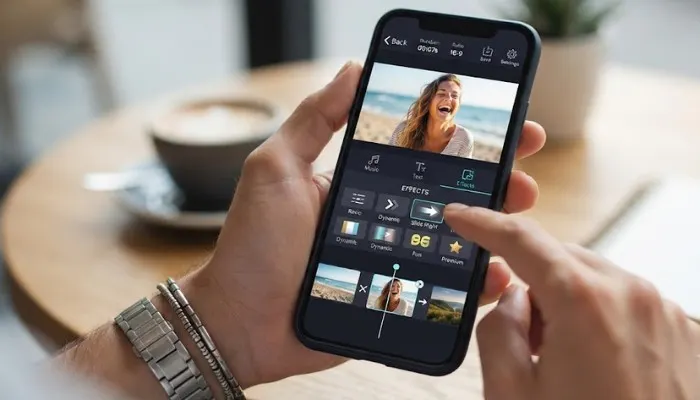
If you want to make slideshows on your phone, these apps deliver solid results without paying.
DPix is a feature-packed Android app that handles photo-to-video conversion, music, and effects. It includes over 100 animations and transitions, filters, and color correction tools. The app exports in HD with no watermark .
Key features:
FotoSlider has over 1 million downloads and a strong rating. It offers 30+ transitions, animated text and stickers, and free intro/outro templates. The app supports all major aspect ratios for social media .
Key features:
This Android app focuses on simplicity. You pick photos, add music from the built-in library or your gallery, choose transitions, and export. It supports multiple aspect ratios for different platforms .
Key features:
Read More: AI Slideshow Tools: Free Options and Smart Choices for 2026
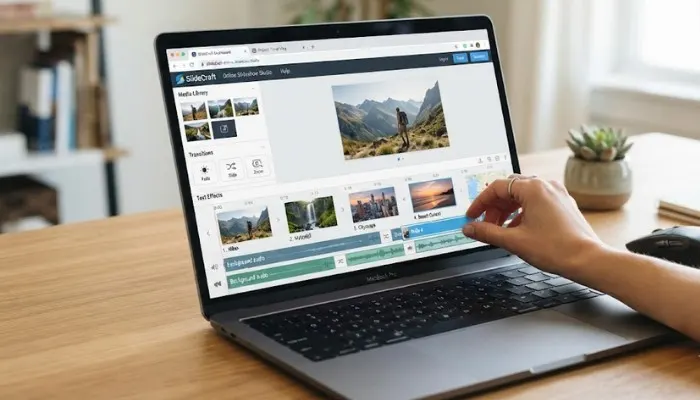
Browser-based tools work on any device. No downloads, no installations.
Canva is the best free slideshow maker for design customization. It offers thousands of templates, and every element can be edited. The free version is genuinely usable. You can make wedding slideshows, birthday videos, or business presentations with matching fonts, colors, and graphics .
Key features:
Limitation: Some premium features require a subscription.
FlexClip is a free online slideshow maker with AI tools. It supports drag-and-drop photo uploads, over 60 preset transitions, motion tracking, and AI video generation. The interface is clean and exports are seamless .
Key features:
Kapwing is a fast, constantly updated online editor. It offers AI-assisted editing, cloud saves, and cross-device workflow. The free version has no watermarks but limits file sizes to 1GB and exports to 7 minutes .
Key features:
SLIDEZ is a no-frills online slideshow maker that does exactly what it promises. Upload up to 100 photos, add music (MP3, WAV, or YouTube URL), pick your format, and download. No account needed, no watermarks, no limits .
Key features:
If you want to work offline and have more control, desktop software is the way to go.
PowerDirector is a versatile editor that works on Windows and Mac. It includes multicam editing, motion tracking, AI tools, and 360-degree VR support. The mobile app has over 100 million downloads .
Key features:
Price: Free version available, premium plans start at $54.99/year.
PhotoStage is one of the best free slideshow makers for large projects. It handles thousands of photos and video clips. The Quick Create feature instantly generates slideshows with pans, zooms, and fades .
Key features:
Limitation: Some effects may glitch. Customer support costs extra.
Bolide is a lightweight Windows tool that is completely free. No ads, no watermarks, no spyware. Just drag photos, set slide times, and export HD video .
Key features:
You May Also Read: Best Slideshow Apps for Android with Music
| Tool | Platform | Best For | Watermark? | Music? |
|---|---|---|---|---|
| Canva | Web, Mobile | Design customization | No | Yes (premium) |
| DPix | Android | Mobile social videos | No | Yes |
| FotoSlider | Android | Quick mobile slideshows | No | Yes |
| FlexClip | Web | AI-assisted online editing | No | Yes |
| SLIDEZ | Web | No-signup simplicity | No | Yes |
| PowerDirector | Mobile, PC | AI auto-editing | No | Yes |
| PhotoStage | Windows | Large photo collections | No | Yes |
| Bolide | Windows | Lightweight Windows tool | No | Yes |
Free slideshow makers are good enough now. You do not need to pay. Canva for design. DPix and FotoSlider for mobile. SLIDEZ for speed. PowerDirector for AI. PhotoStage for big collections. Pick what fits your device. Start free. Upgrade only if you hit limits. Most people never will.
Canva for design. DPix and FotoSlider for mobile. SLIDEZ for speed. Depends on what you need.
Most good ones do not. DPix, FotoSlider, SLIDEZ, and Bolide export clean. Canva too, for most exports. Check before you commit.
Yes. DPix, FotoSlider, SLIDEZ, and PowerDirector all support music. SLIDEZ takes MP3, WAV, or YouTube links. Most have built-in libraries too.
SLIDEZ. Upload photos. Pick music. Download. No signup. No watermark. Under a minute.
DPix and FotoSlider. Both support 9:16 and 1:1. CapCut works too. All free.
PhotoStage and Bolide. Bolide is completely free, no ads, no watermarks. PhotoStage handles large collections.
Yes. SLIDEZ, Canva, and FlexClip run in your browser. No install needed.
PhotoStage. Handles thousands without slowing down. Quick Create builds slideshows with pans and zooms instantly.