Best Free Slideshow Maker: Top Mobile, Web and PC Tools for 2026
Making a slideshow used to be painful. Expensive software. Hours of learning. Not anymore. Free tools now do the job...
Gadgets & Technologies Are Together
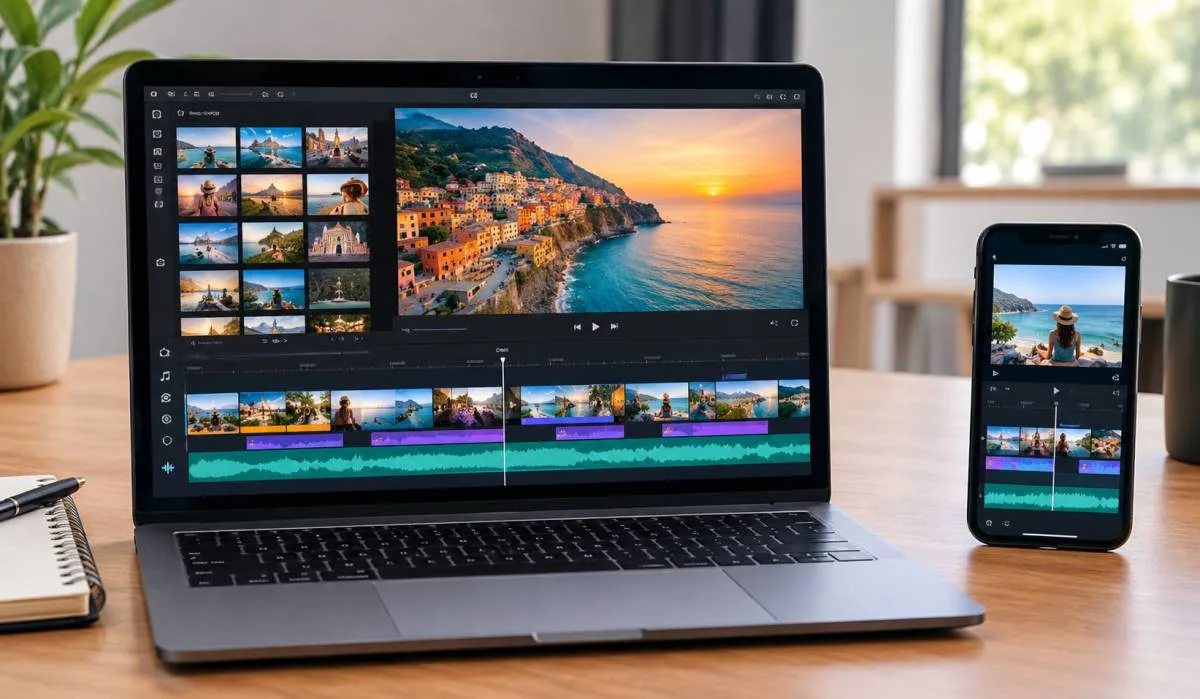
You have photos on your phone. You have memories you want to share. A slideshow video is the perfect way to do it. You do not need to be a video editor. You do not need expensive software. You can make a slideshow video in minutes.
This guide shows you how to make a slideshow video in simple words. You will learn which free tools work best. You will learn how to add music and transitions. You will also learn how to export your video for social media or presentations. No complicated terms. Just clear steps that work.
A slideshow video is a series of photos or images played one after another. You add music. You add transitions. You add text if you want. The result is a short video that tells a story.
People make slideshow videos for many reasons. Birthdays. Weddings. Travel memories. Product showcases. School projects. Business presentations. The list is endless.
Read More: Best AI Slideshow Generator for Presentations: Free Tools
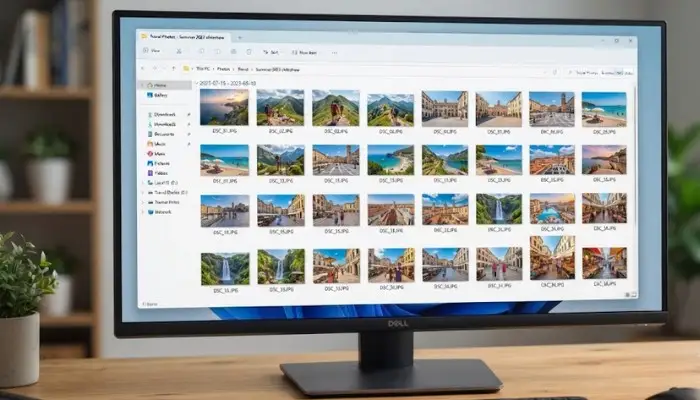
Pick the photos you want to use. Choose high-quality images. Blurry photos look bad in videos. If you are using phone photos, pick the ones with good lighting.
Organize them in the order you want them to appear. Rename them with numbers if that helps. For example: 01_wedding.jpg, 02_reception.jpg, 03_dance.jpg.
You do not need to pay for software. Many free tools work well.
Music makes a slideshow come alive. Without music, it feels flat. With the right music, it feels emotional.
Where to find free music:
Pick music that matches your theme. A wedding slideshow needs soft, romantic music. A travel slideshow needs upbeat, energetic music. A business presentation needs calm, professional music.
Make sure the music is royalty-free. Otherwise, you may get copyright strikes.
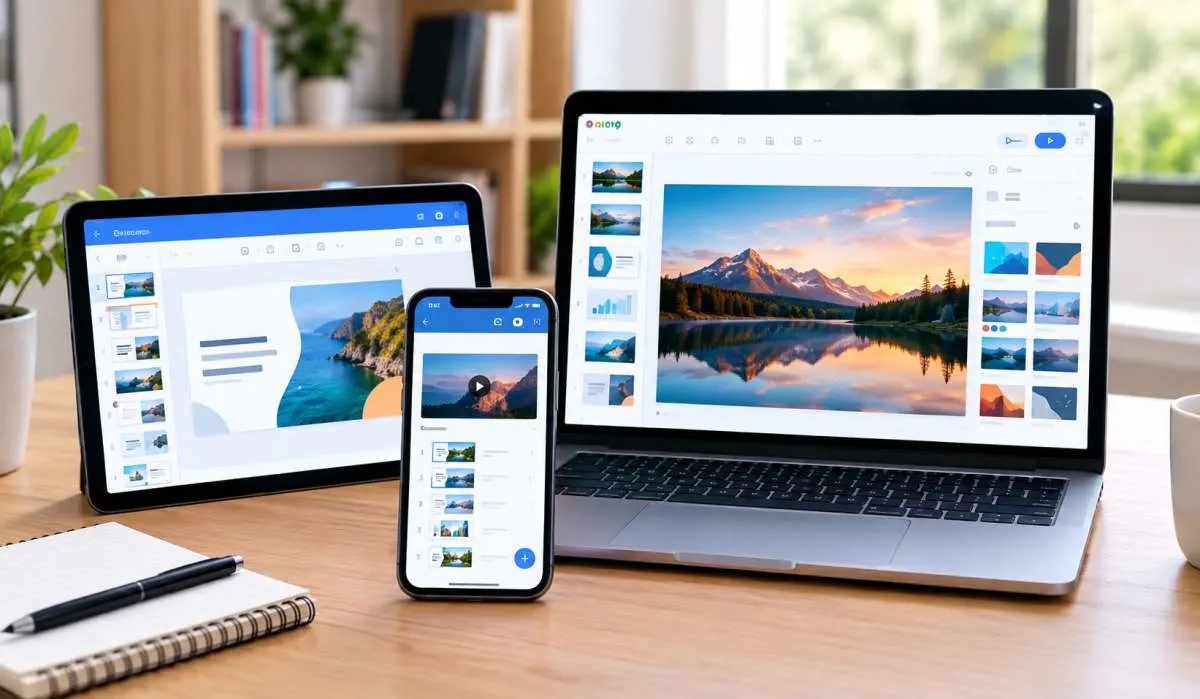
You do not need to install software. Online tools work in your browser.
Online tools are great because they work on any computer. You do not need to install anything. Just log in and create.
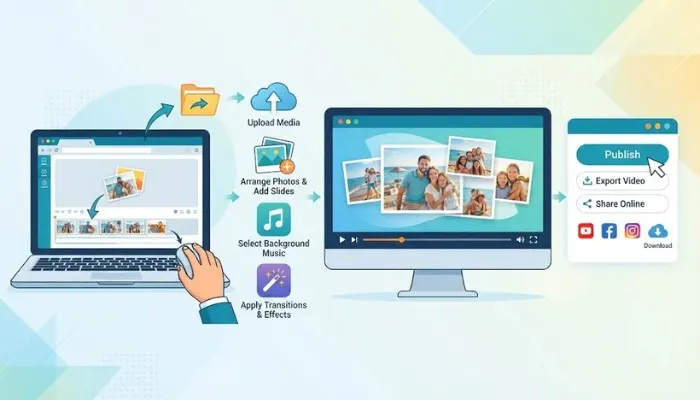
Music is the heart of a slideshow. Here is how to add it properly.
You do not need to spend money. Here are free tools that work.
| Tool | Platform | Best For |
|---|---|---|
| Canva | Web, Mobile | Beginners |
| CapCut | Mobile, Web | Phone editing |
| Adobe Express | Web | Quick slideshows |
| Clipchamp | Windows | PC users |
| iMovie | Mac, iPhone | Apple users |
| Kapwing | Web | Simple editing |
| VEED.io | Web | Quick edits |
All these tools have free versions. They have watermarks sometimes. But they work. For most people, free is enough.
You May Also Read: AI Slideshow Tools: Free Options and Smart Choices for 2026
| Step | What to Do |
|---|---|
| 1 | Gather photos |
| 2 | Choose tool |
| 3 | Upload photos |
| 4 | Add music |
| 5 | Add transitions |
| 6 | Add text |
| 7 | Adjust timing |
| 8 | Preview and export |
Use Canva, CapCut, or Adobe Express. All are free. Upload your photos. Add music. Add transitions. Export as MP4. No payment needed.
Open your tool. Upload photos. Go to audio. Add your music file or pick from the library. Adjust volume. Sync slides to the beat if you can. Export.
Canva. It is simple. Drag and drop. Ready templates. Free music. Works on phone and computer. No experience needed.
Under 3 minutes. 2 to 3 seconds per photo. 30 photos means about 90 seconds. That is enough.
YouTube Audio Library, Pixabay Music, Free Music Archive, Bensound. All free. Check they are royalty free.
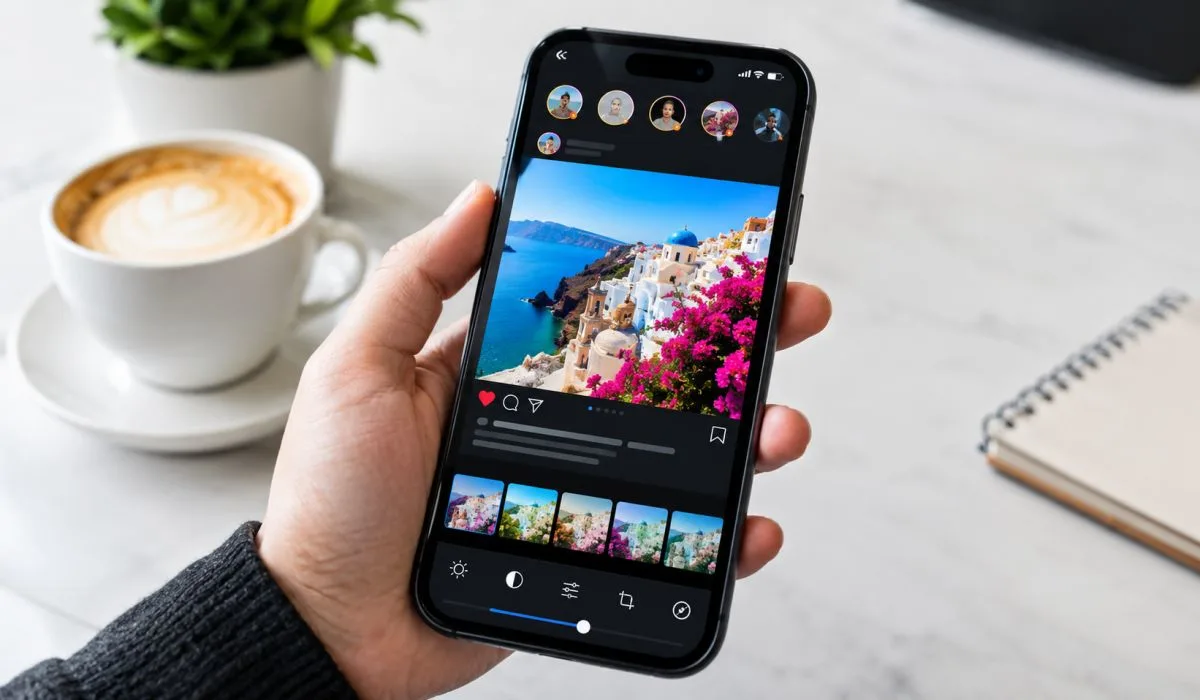
Yes. CapCut is the best app. Free. Works on Android and iPhone. Edit, add music, export. All from your phone.
Most tools have a text button. Click it. Type your words. Pick a font. Drag it where you want. Keep it simple.
1080p for most uses. Works on social media and presentations. Use 4K for big screens.